

Jewelry product photography, without the macro studio
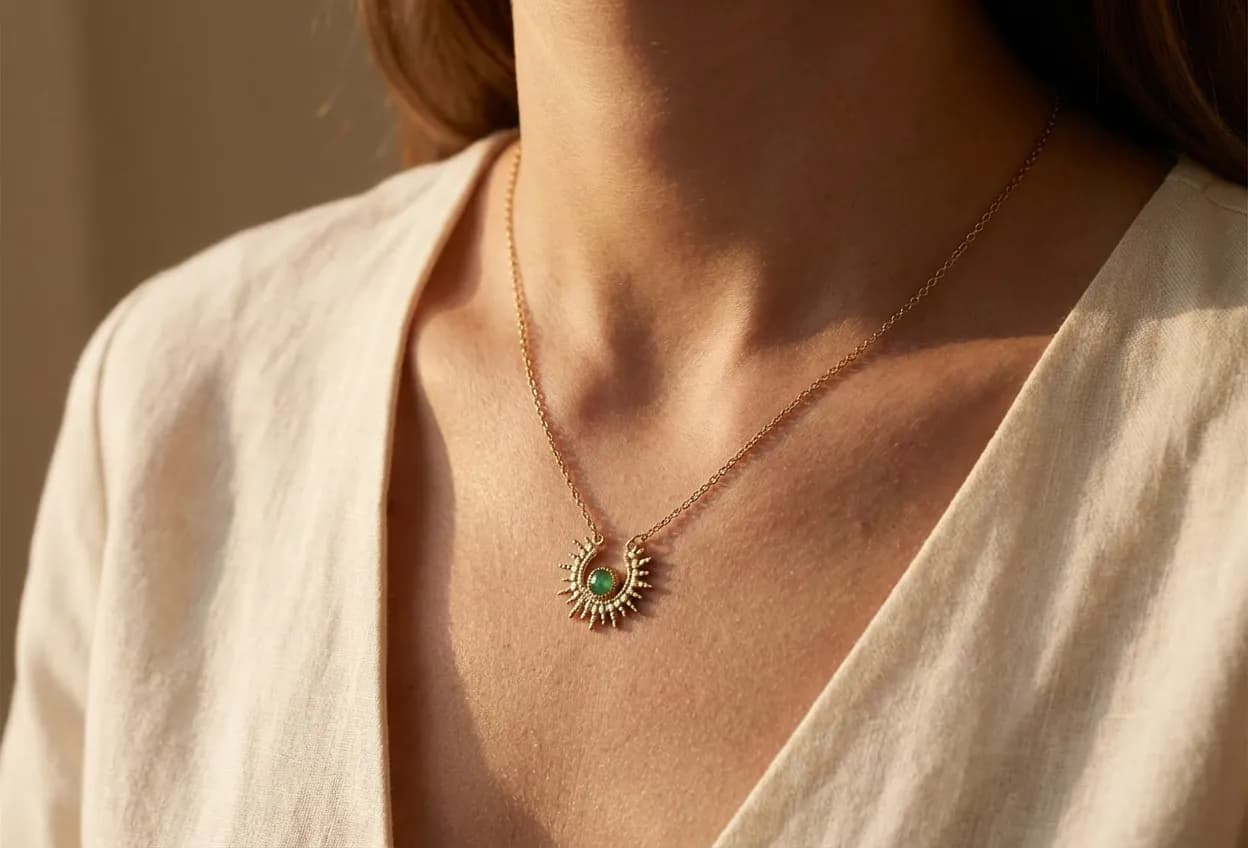
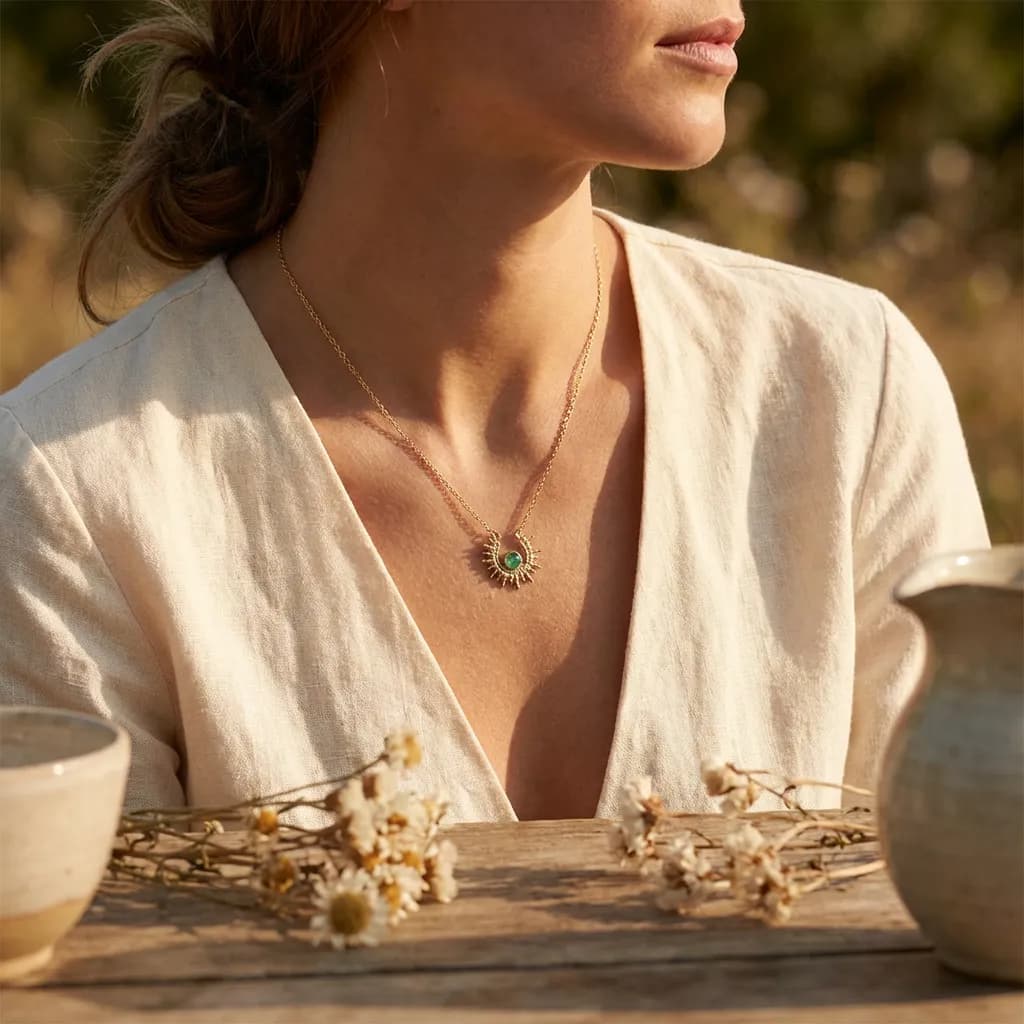
Jewelry pages live on detail: the gleam of metal, the cut of a stone, the scale on a hand. Shooting macro and retouching each piece by hand is slow and costly at catalog scale. Automated Commerce generates jewelry product photography, close-ups and on-model, from a reference shot, consistent across the whole catalog, and you direct the look.
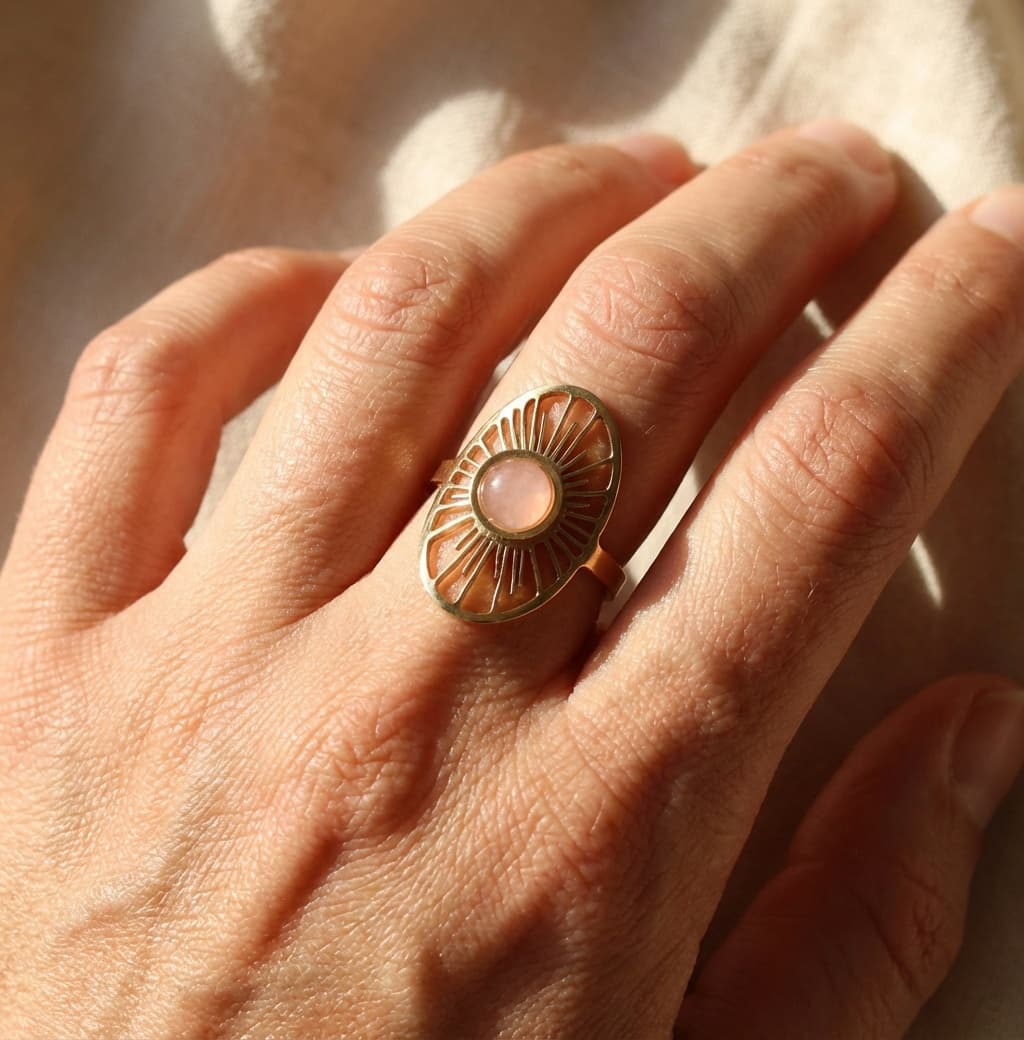
Close-ups and on-model shots, at catalog scale
Generate consistent, on-brand jewelry imagery for every piece, then publish it where you sell.
Your piece, not a prompt's idea of it
A yellow gold band that reads rose on one product page and brass on the next costs you the sale. The piece in the image is your piece, photographed, and your background, lighting, and framing carry into every generation.
Macro detail and a sense of scale
A ring shot on its own could be a bangle. Generate the close-up that shows the setting, the hallmark, and the stone, plus the worn shot that tells a shopper how big the piece actually is.
Three angles per piece, forty pieces
Jewelry catalogs are many small SKUs, each needing a top view, an angled view, and a detail crop. That is three set-ups per piece on a macro rig. Build the workflow once and run it over the collection.
Judge it at the zoom customers use
Shoppers pinch into a jewelry image until the stone fills the screen. Review at that zoom, regenerate anything where the setting or the clasp does not hold up, and keep the pieces that do.
AI-studio: Alla verktyg för visuellt skapande
Utforska verktyg eller konfigurera produktmallar för bulkgenerering
- ✓Förvandla produktfoto till professionell studio- eller livsstilsfotografering
- ✓Ändra valfri bakgrund, belysning eller skapa närbildsdetaljer
- ✓Tillämpa i bulk: Transformera en hel smyckekollektion på minuter
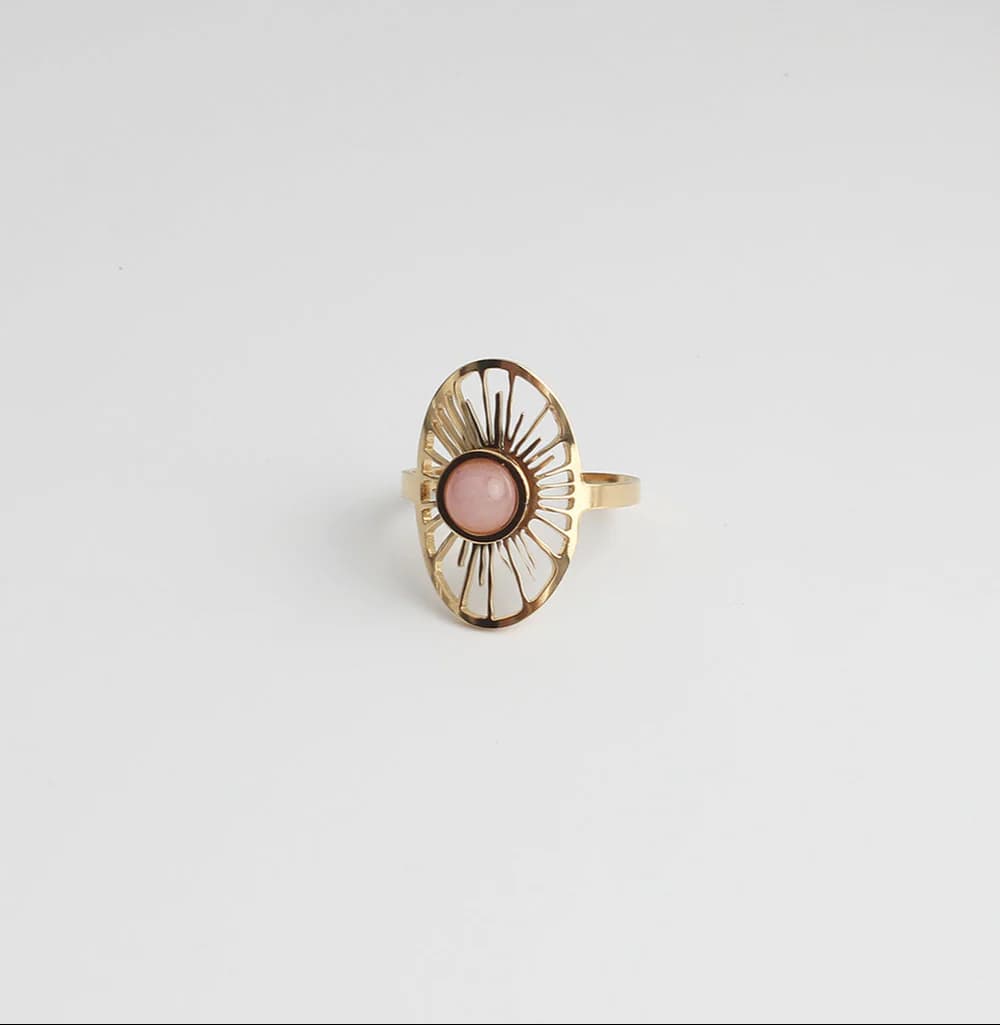
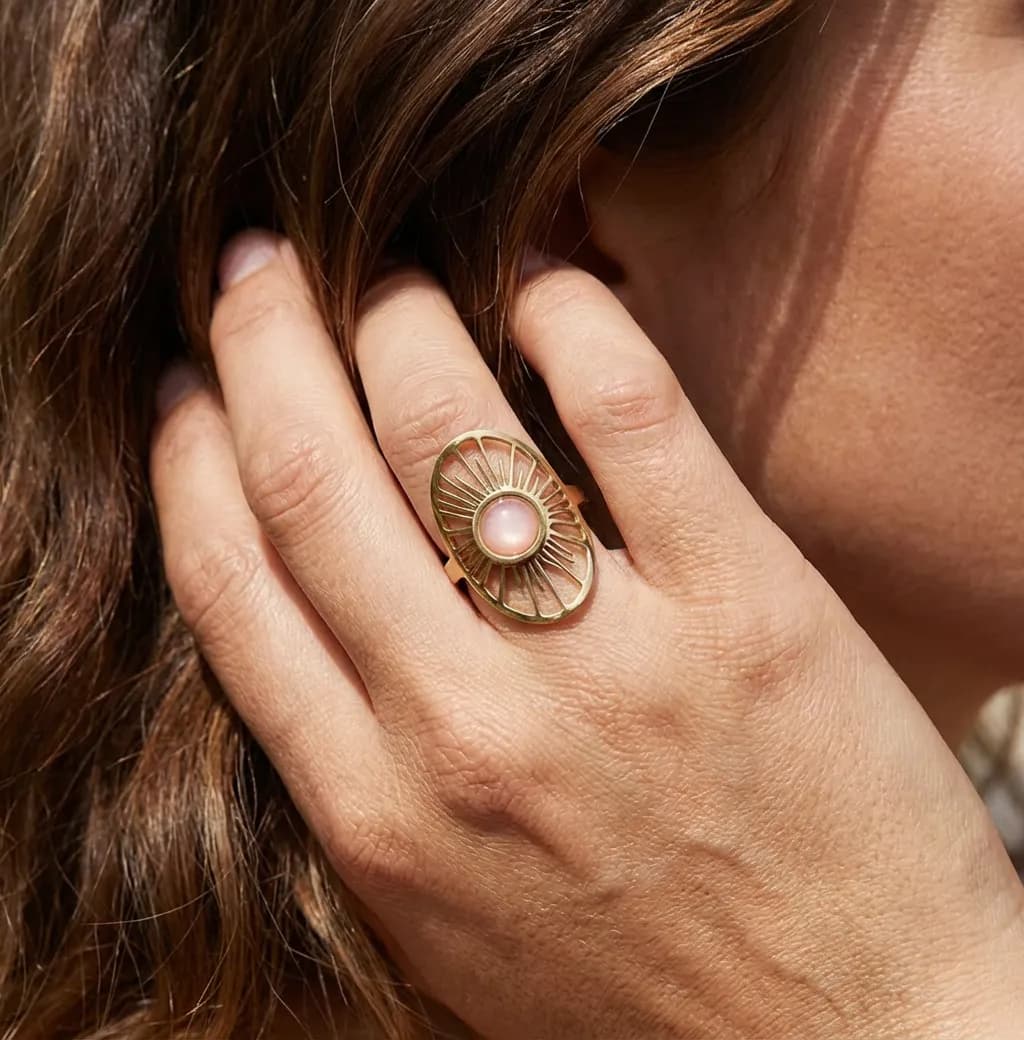
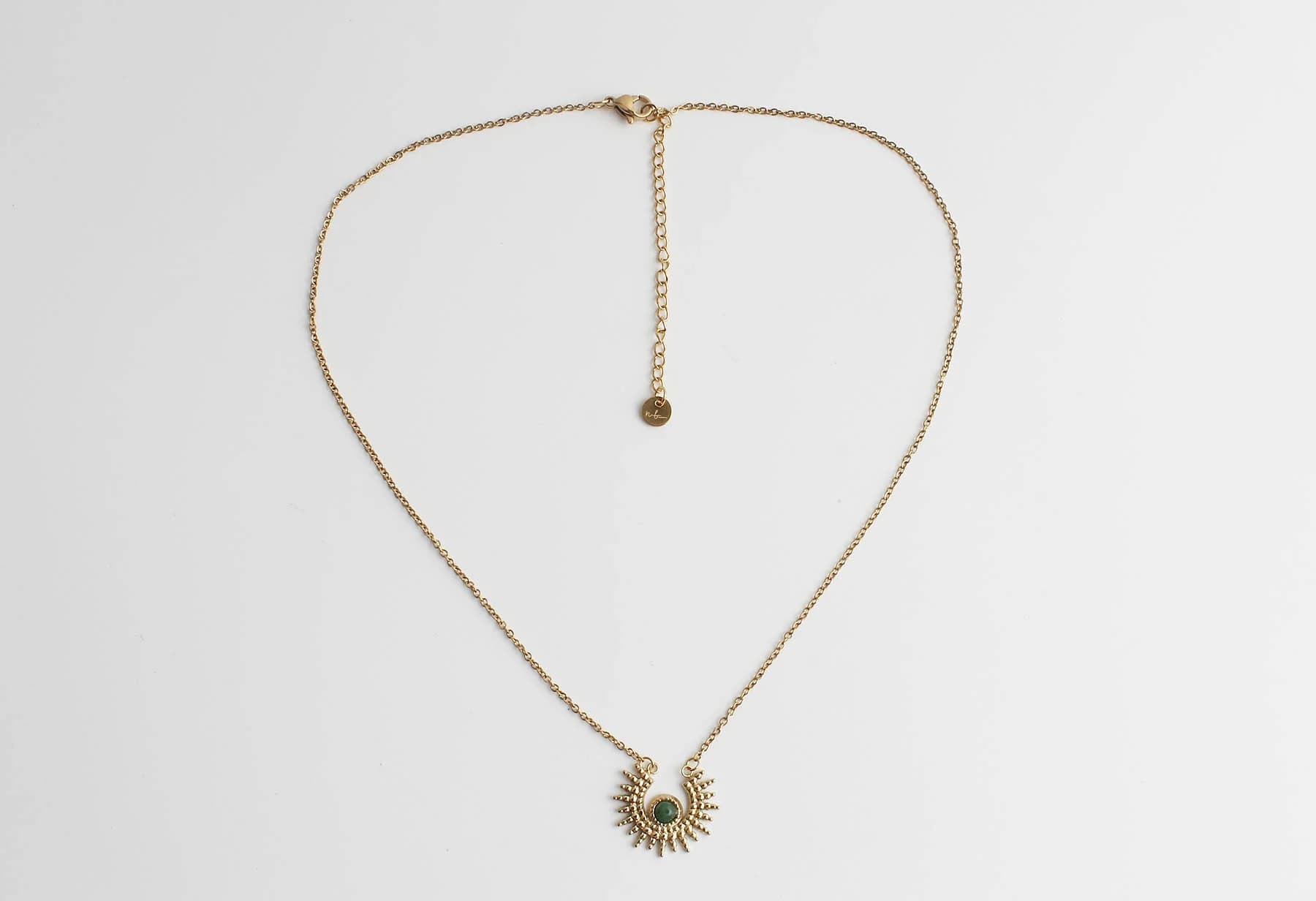
Perfekta det på en produkt. Applicera det sedan på tusen.
Katalogarbete dör i upprepningen. Ställ in receptet på en enda produkt tills texten, fotot och datan är precis rätt. Välj sedan en produktgrupp och kör. Ett klick, hela gruppen, samma kvalitet på varje produkt.
- Finjustera på en produkt. Bestäm vinkeln, miljön, tonläget och attributen tills det stämmer.
- Välj en grupp, ett filter eller hela katalogen. Tio produkter eller tiotusen, det är samma klick.
- Se varje produkt landa. Följ körningen produkt för produkt och plocka ut det som behöver en andra titt.
Fåtöljer & stolar · produktgrupp
100 valda Jouke snurrfåtölj, sandI kö
 Matstol ek, taupeI kö
 Barstol bouclé, ockraI kö
 3-sits soffa sammet, blåI kö
+ 96 till i den här gruppen
Jewelry product photography questions
Part of one platform
Jewelry is one vertical. Explore the rest of the studio and platform.
Ecommerce product photography
Generate packshots, lifestyle scenes, and 3D for your whole catalog.
AI photography studio
The full studio: generate, direct, and refine across every vertical.
3D models
Turn jewelry into interactive 3D and spin views from the same catalog.
Jewelry brands
How jewelry brands run their catalog and content with Automated Commerce.
Ghost mannequin photography
The invisible-mannequin look for apparel, generated from reference shots.
Fashion product photography
On-model, flat-lay, and editorial imagery for a whole apparel collection.
Pricing
See plans and start generating your catalog for free.
Photograph your whole jewelry catalog
Bring your products and watch Automated Commerce generate on-brand close-ups, on-model shots, and 3D, ready for your store.
No macro studio. Catalog-scale.