

Automate product import
Upload raw supplier data (CSV, XLS, PDF) and turn data into product listings. Ready to enrich and after publish to store.
- No credit card required
- Ready in 5 minutes
- Claim free credits
- Quick 15 min demo
From supplier sheet to structured product.
Whatever arrives (a spreadsheet, an ERP export, a PDF) is read, matched and resolved into one product record with variants linked and attributes filled.
Different per supplier. Different per season. Sometimes different per email.
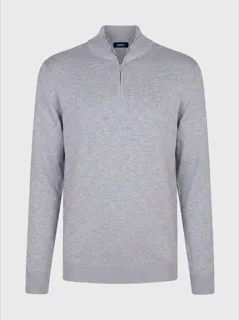
Brushed Wool Overshirt · Charcoal
Structured, variants linked, categorized. No data model to design first.
New products meant lots of work and costs. Now simplified.
Hours of manual typing, endless studio shoots and managing products across outdated tools. Now replaced by one platform, clear structure and AI-tooling exactly where you need it.
1. Import & product data
Supplier sheets, ERP exports and packshots come in. Identifiers, units and attributes land structured.
 Mark relax armchair8714713024568 · MARK-CHE-NAT
2. Text & photography
On-brand copy and on-model or in-room imagery, generated from the product's own data.
Mark relax armchair
Elegant design, soft chenille, wooden frame.
 Studio
 Lifestyle
3. SEO, structured data & taxonomy
Keywords, schema.org markup and the right category, so the page is found by search and by AI.
"@type": "Product"
Furniture › Chairs › Armchairs
webshop.com/mark-relax-armchair
Mark relax armchair
★★★★★4.6 (128)
Elegant design, soft chenille, wooden frame.
4. Translations
Every market in its own language, localized from the source data instead of translated word for word.
5. Live & analytics
Published to every channel, then watched. Drift is caught and performance feeds back into the catalog.
Organic traffic to this page
 ShopifyIn sync
 Google ShoppingIn sync
 bol.In sync
6. Bulk
Fine-tune the recipe on one product, then run it across a group, a selection or the whole catalog.
 Jouke swivel chair, sand
 Dining chair oak, taupe
 Bar stool bouclé, ochre
 3-seat sofa velvet, blue
+ 96 more in this group
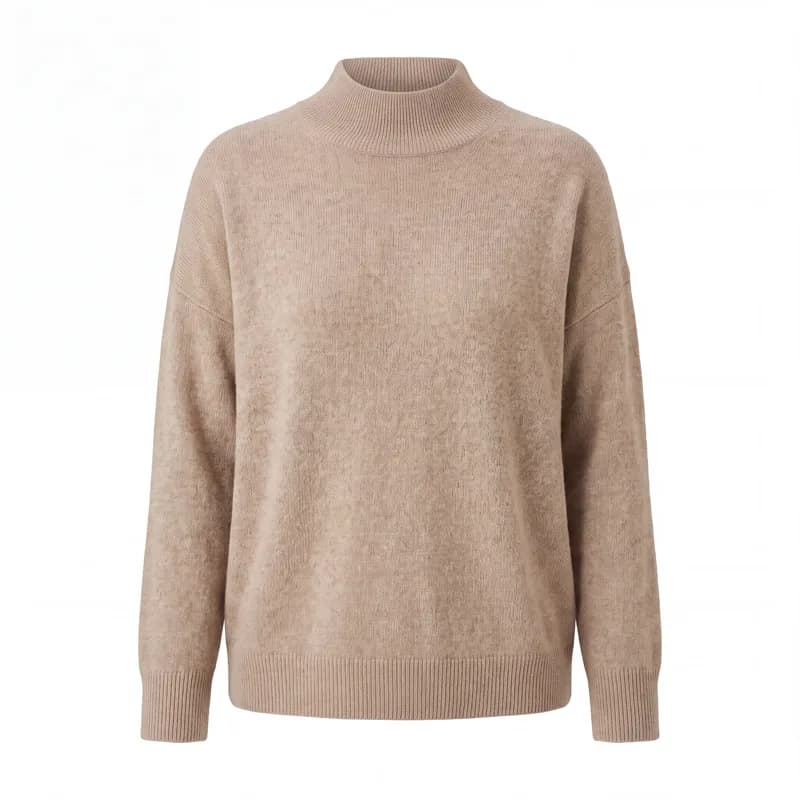


Save:
What automated import takes off your plate, one supplier file at a time.
Manual work
No more retyping every row from a supplier sheet by hand. Upload the file, AI maps the columns and variants, you check the preview and import.
Costs
Skip hiring temp staff or an agency to clean up a supplier file before it goes live. One AI-assisted upload replaces days of paid data entry.
Mistakes
Catches the duplicate EANs, the variants that never got linked to their product, and the sizes that quietly dropped out of a hand-typed sheet.
Peace of mind
Every import shows a preview before anything touches your catalog, so you know exactly what changes. No overnight surprises in your store.
Frequently Asked Questions
Bring in every catalog, from any source
Smart Import is the foundation. These pages cover the sources and comparisons buyers ask about most.
PIM Software
Import feeds into one structured catalog, not just a database.
Product Feed Optimization
Clean and structure feeds for every channel.
Bulk Import Products to Shopify
Move a full supplier catalog into Shopify at once.
PIM Alternatives
How Automated Commerce compares to Akeneo, Salsify, Plytix, and inRiver.
Start and test automated import for free!
Upload your supplier files and let AI do the work. Products with variants, pricing, and attributes, ready in minutes.
- No credit card required
- Ready in 5 minutes
- Claim free credits
- Quick 15 min demo