

The AI Platform forFurniture & Interior
Product catalog and AI tooling in one place. From product import to enriched product pages, automated.
- No credit card required
- Ready in 5 minutes
- Claim free credits
- Quick 15 min demo
Trusted by




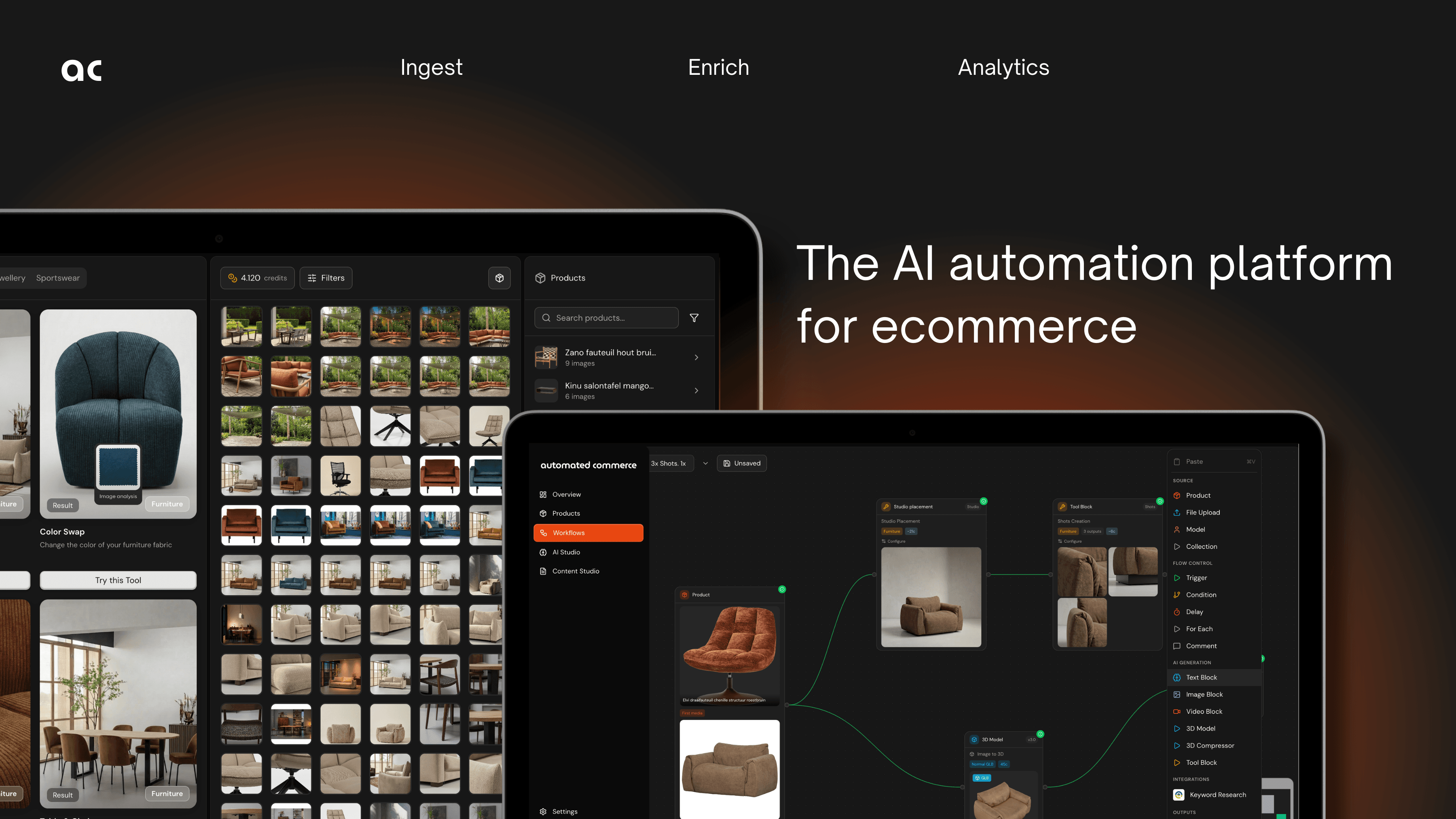
From Setup to Sales in Four Steps
One platform: Your product catalog and AI-tools seamlessly working together.
Setup & Import
Setup in minutes. Connect your store, upload supplier sheets and your data transforms into ready product listings.
- •AI agent trained on your catalog structures
- •Processes CSV, Excel and PDF line sheets
Product Enrichment
Complete your product listings by uploading, creating or editing in bulk. Setup templates that fit your brand.
- •Configure templates for your brand & tone
- •Edit or create your images with all modern tooling
- •Create, assign and organise in one place
Approve & Publish
Review, approve and publish to store. All elements easily edited and organised.
- •Direct Shopify integration
- •Easily manage versions
- •Human approval
- •Always in control
Analyse & Improve
Agentic-AI delivers in-depth data analytics and suggestions. Advanced performance insights now actionable in simple format.
- •'Auto mate' your smartest employee yet
- •Agentic-AI 24/7 performance monitoring
- •Insight and suggested actions
- •Improve and learn based on data
Import Supplier Files
Every supplier sends their catalog differently. Our AI agent is trained on furniture data and understands the structure: columns, naming, pricing, variants. It maps products to your existing vendors and imports everything within seconds, even at scale. You don't configure it. You just hand it the file.
- ✓AI agent trained on furniture catalog structures
- ✓Maps incoming products to your existing vendors automatically
- ✓Handles CSV, Excel, and PDF line sheets
- ✓European number formats, multi-line headers, inconsistent naming
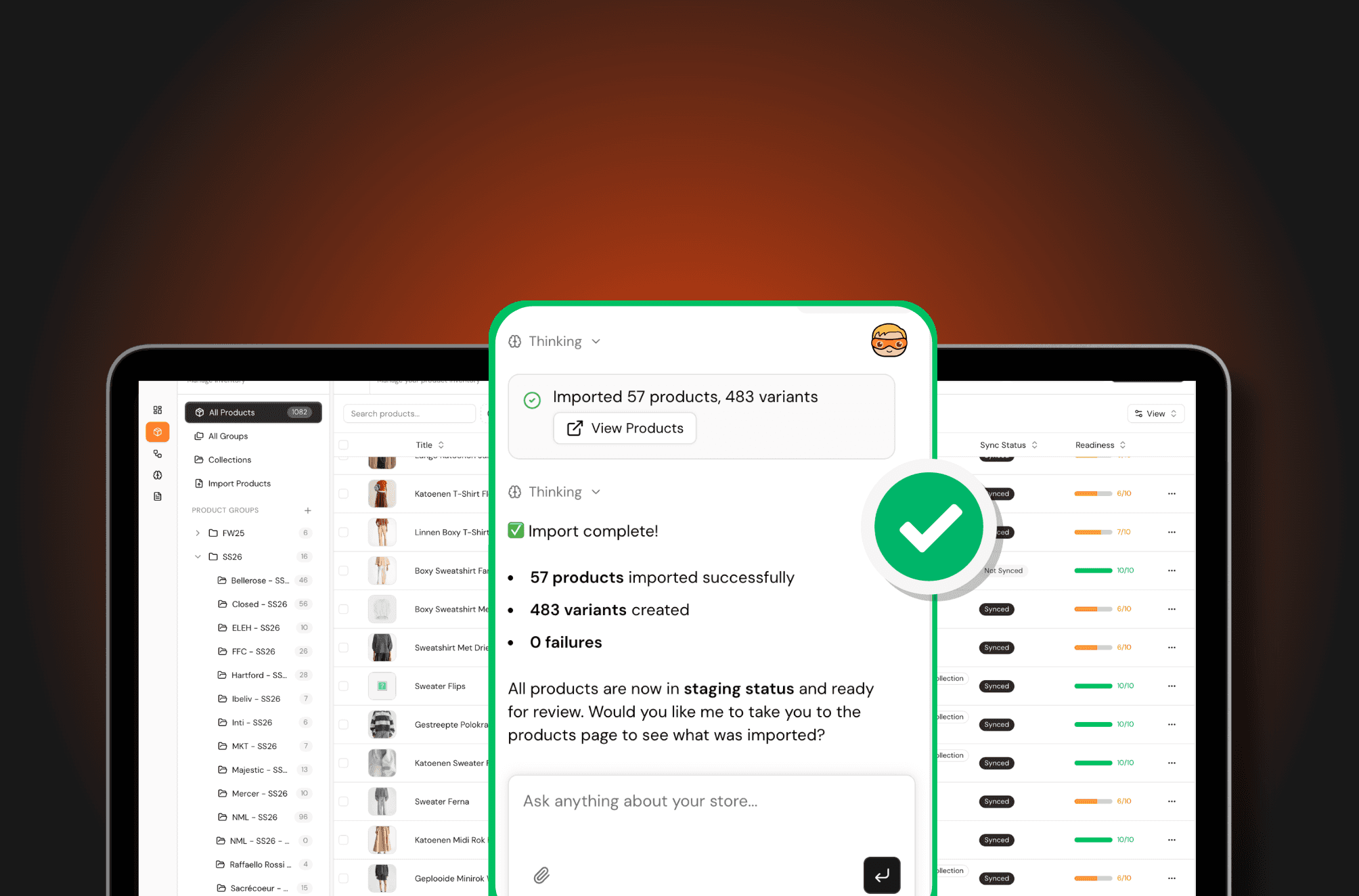
Media automated: Upload & match
Complete your product listings by uploading, creating or editing in bulk. Setup templates that fit your brand.
- ✓Configure templates for your brand & tone
- ✓Edit or create your images with all modern tooling
- ✓Create, assign and organise in one place
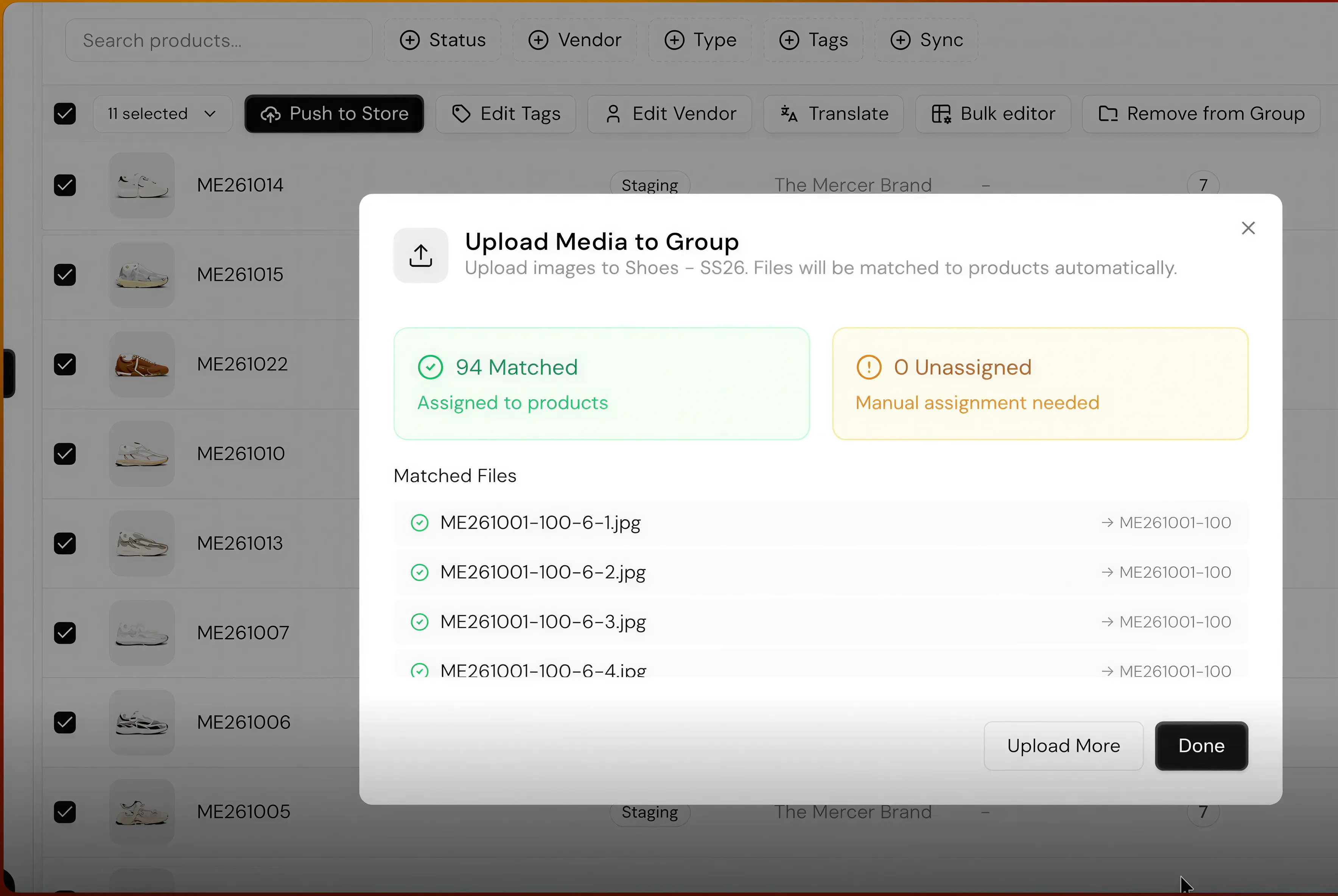
Titles, attributes, and metafields that score.
Structured product information is essential for: Converting visitors, and traffic SEO & GEO.
- ✓Standardize product data for more traffic and a better visitor experience
- ✓Apply in-bulk over catalogue or collections for consistency
- ✓Ask your AI-assistant for suggestions
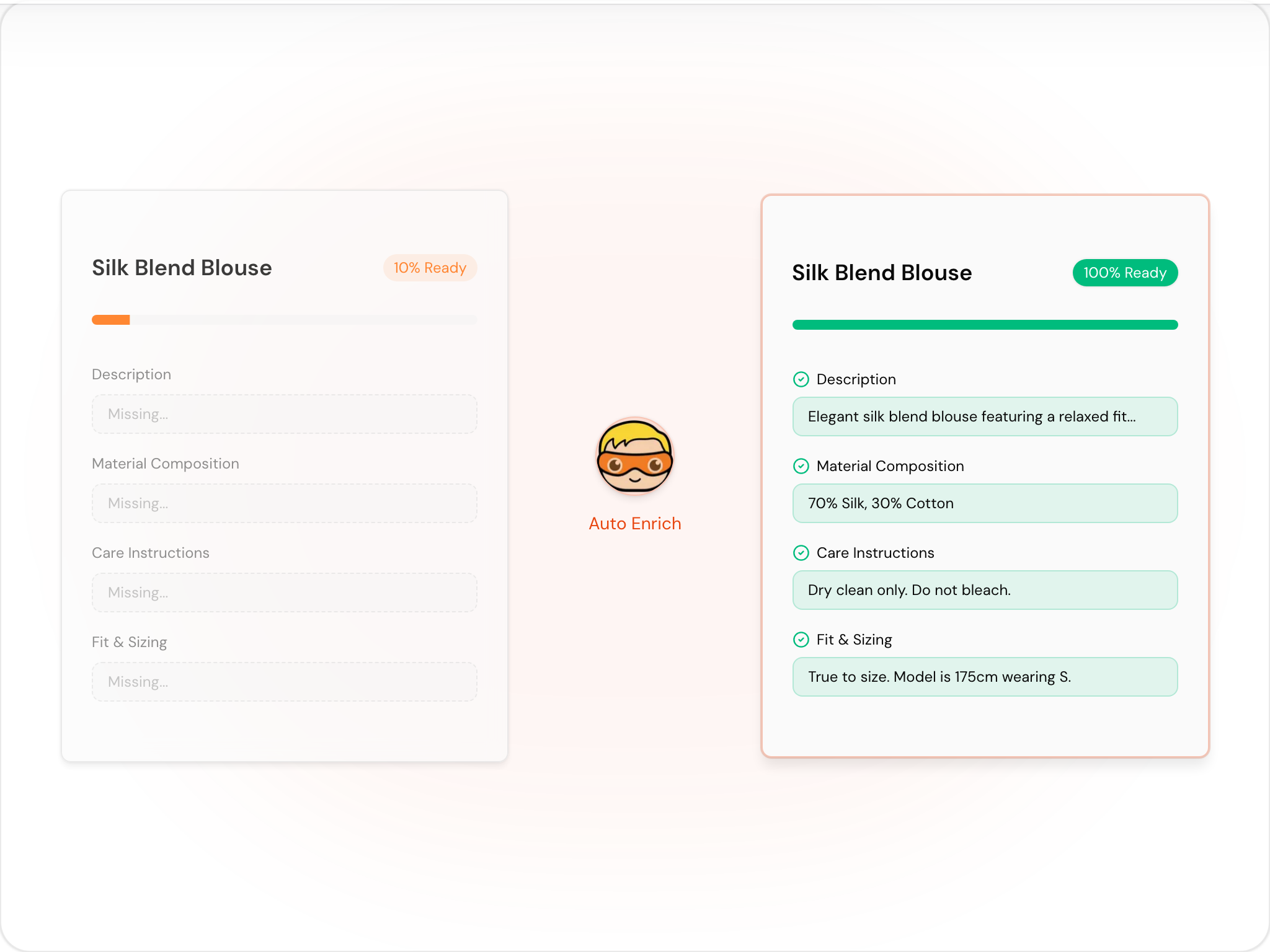
AI-Studio: Create or edit high-quality photography
Explore tools or configure product templates for bulk generation
- ✓Turn packshot into professional studio or lifestyle shoot
- ✓Change any color, scenery or create 3D-model
- ✓Apply in-bulk: Transform a full product group in minutes
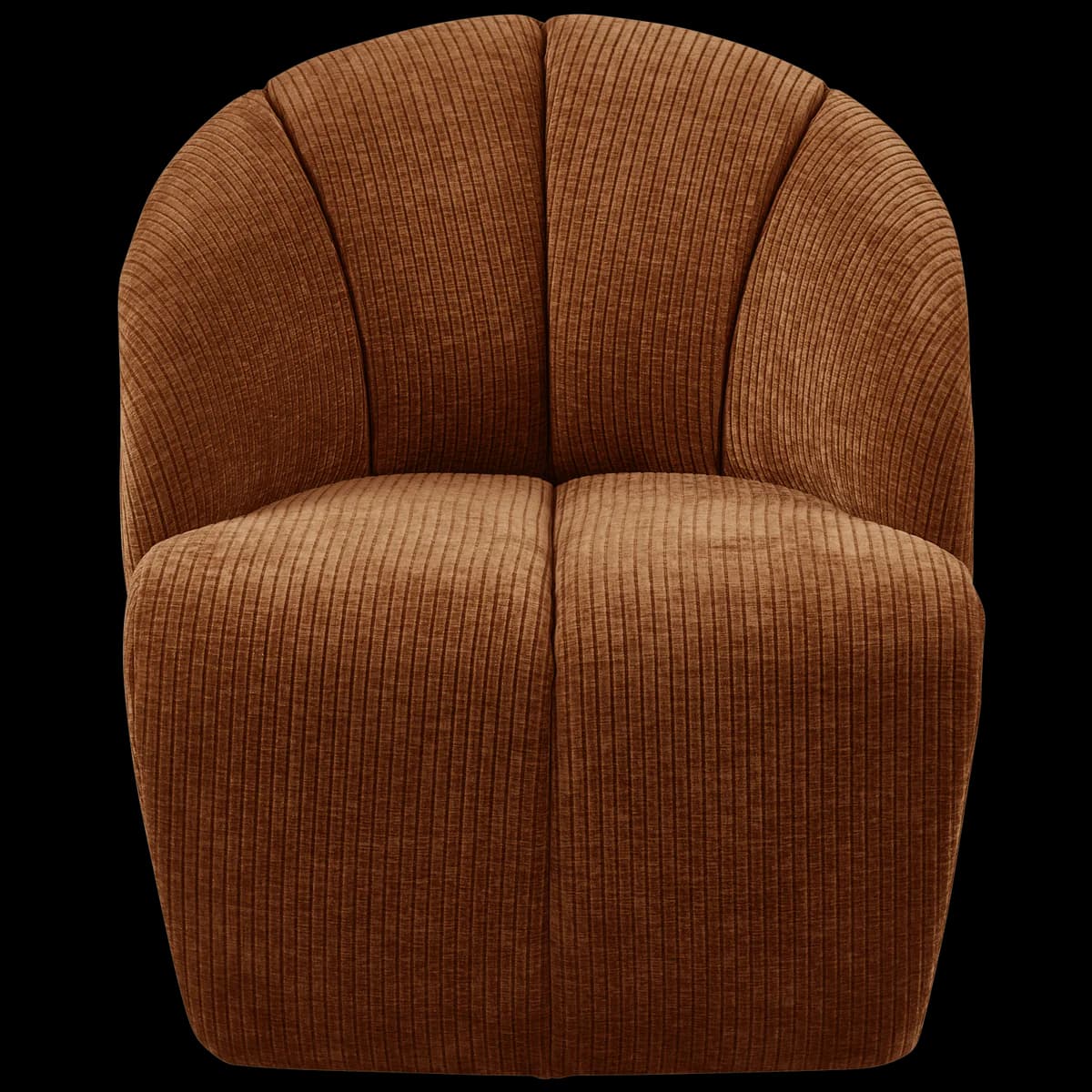
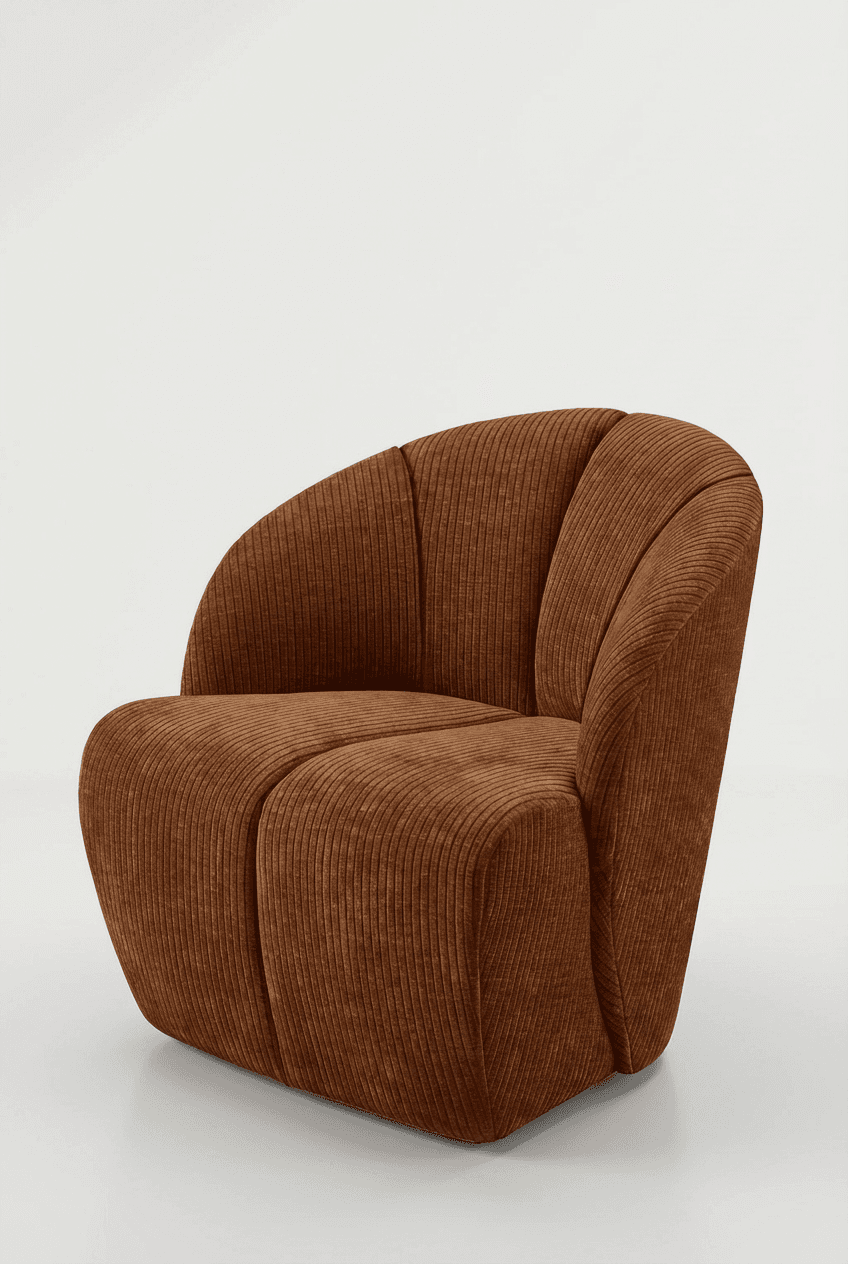

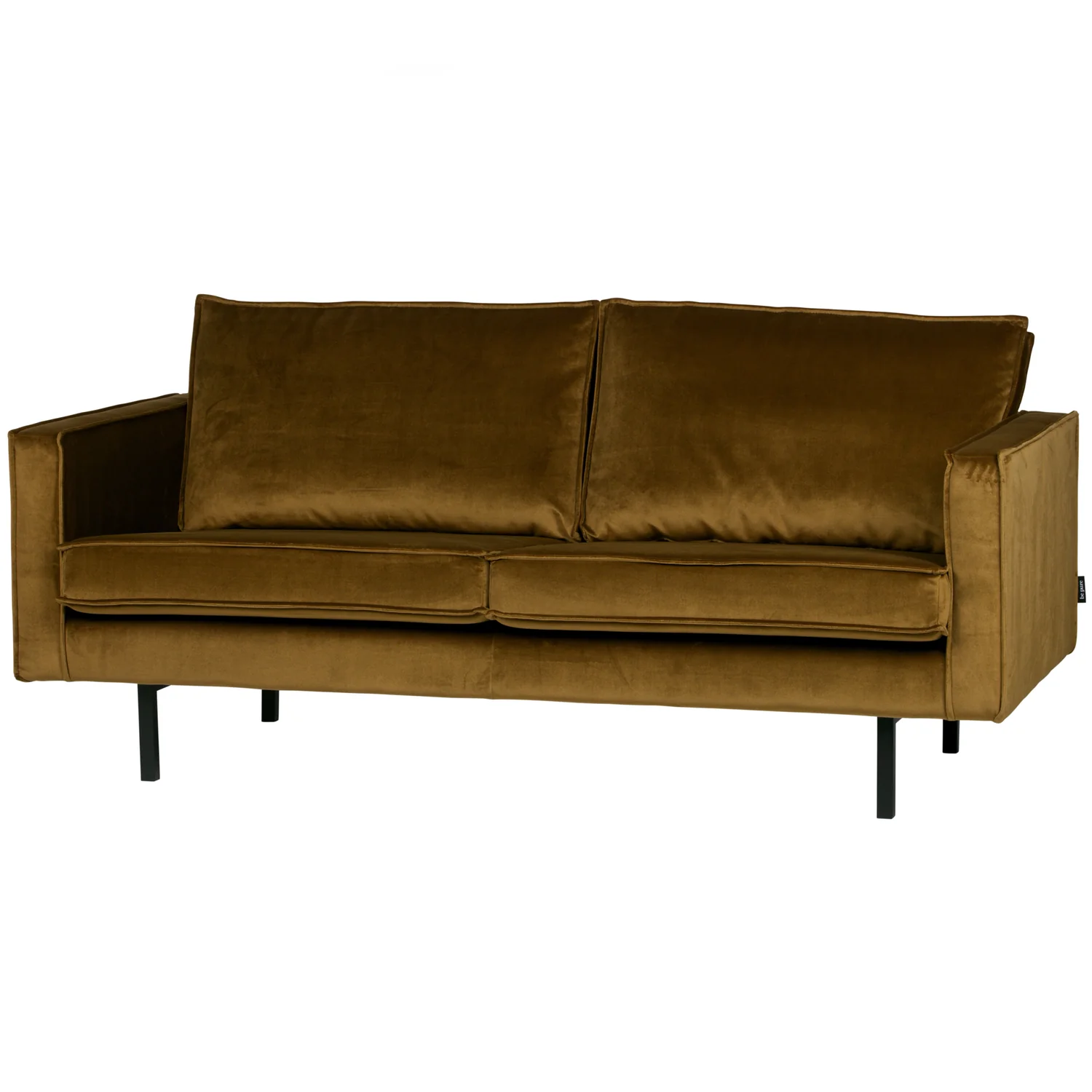
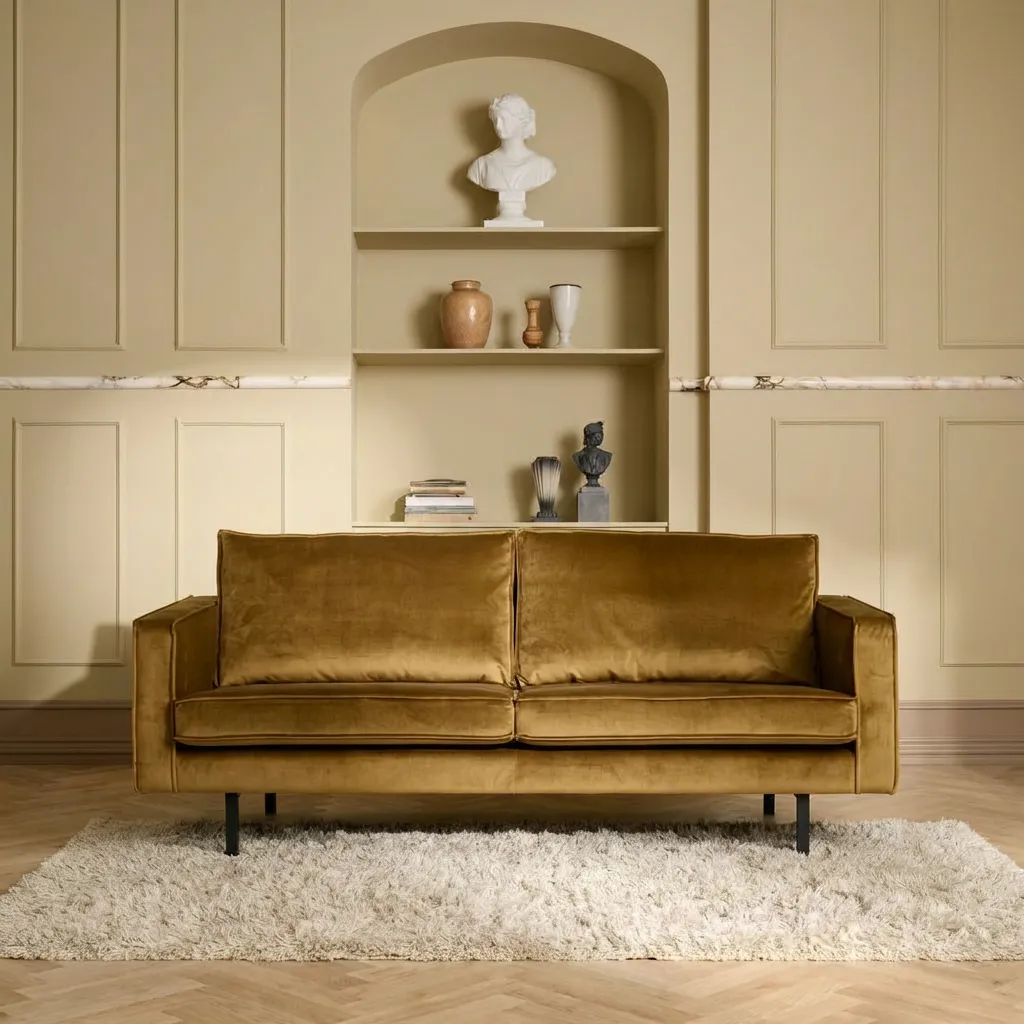
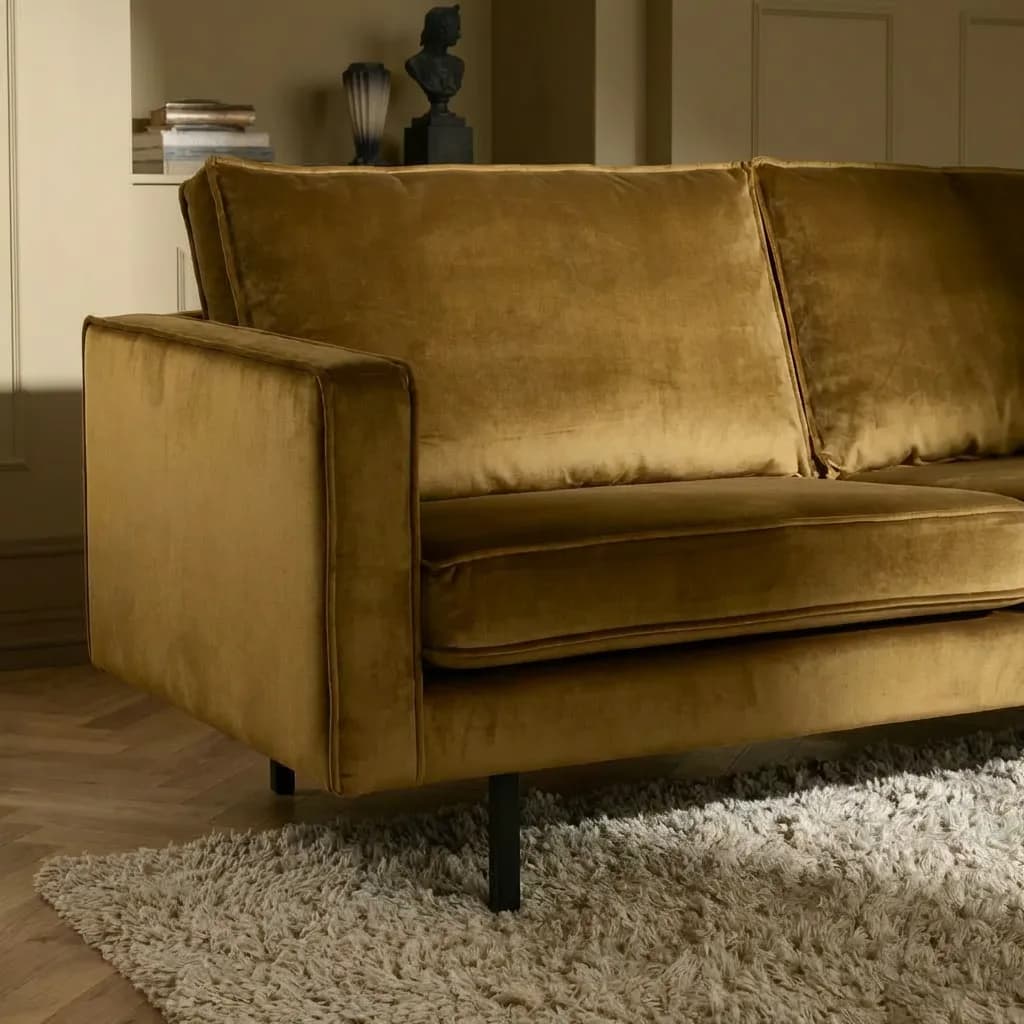
Generate 3D models: from photo to realistic model
Ready for your website, SketchUp, and interior design software. Use one or several photos for a realistic model. With all your media at hand in the platform, generating at scale is easy.
- ✓One image in, a 3D and AR model out
- ✓Across your full catalog, not one hero product
- ✓Fewer returns, higher conversion
Drag to rotate • Scroll to zoom • Double-click to reset
Optimise for SEO and AI-Search
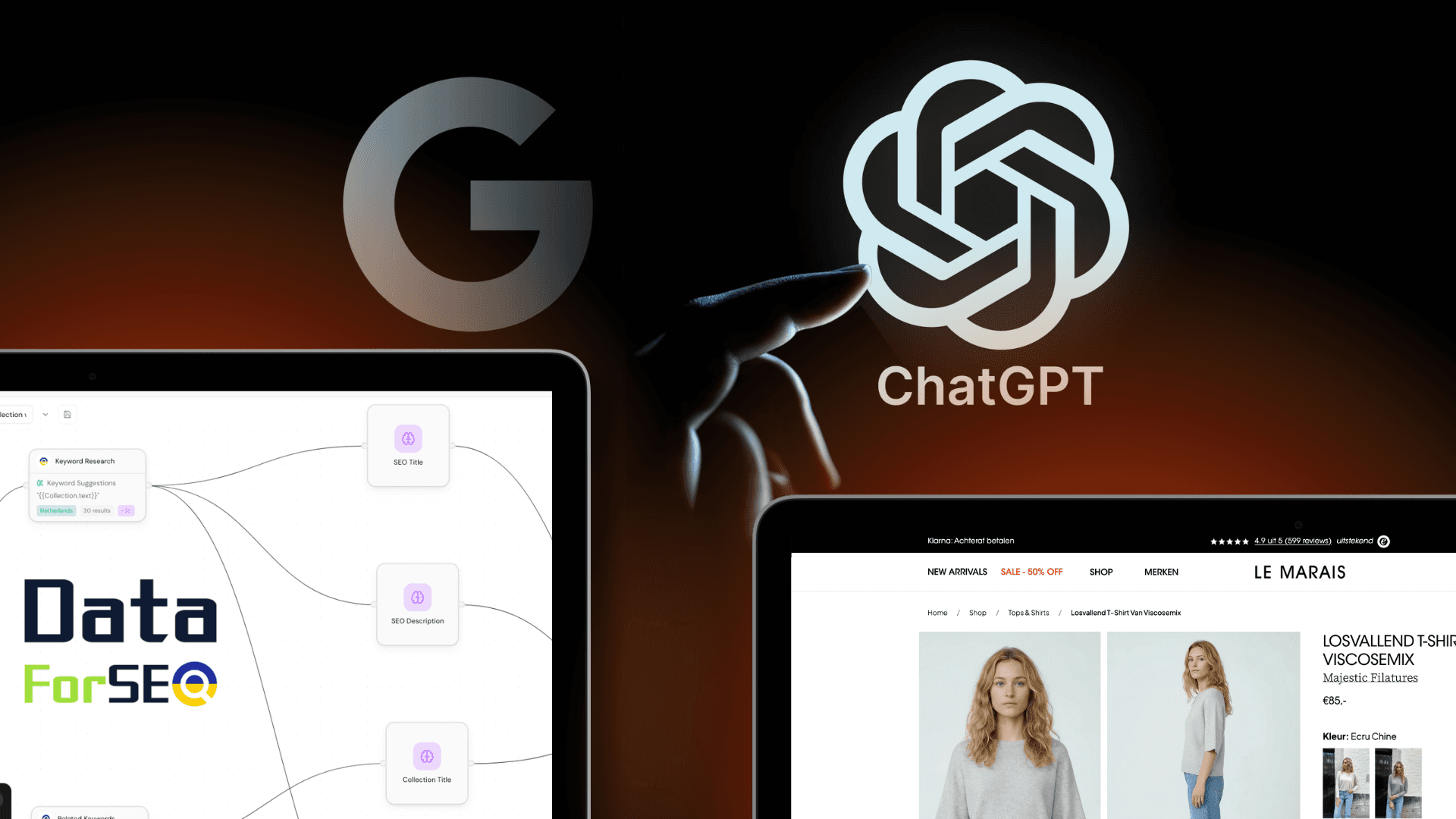
Higher ranking across Google and AI-search. Apply brand consistent templates that generate: Product- and category SEO, structured product data, taxonomies and collection hierarchy based on professional datapoints.
- ✓Auto-generated meta titles and descriptions
- ✓Collection and category tree optimisation
- ✓Structured data for AI-search and Google search
- ✓Taxonomy mapping based on your catalog patterns
Perfect it on one product. Then apply it to a thousand.
Most catalog work dies in the repetition. Tune the recipe on a single product until the copy, the photography and the data are exactly how you want them. Then select a product group and run it. One click, the whole group, the same quality on every product.
- Fine-tune on one product. Set the angle, the scene, the tone of voice and the attributes until it is right.
- Select a group, a filter, or the entire catalog. Ten products or ten thousand, the work is the same click.
- Watch every product land. Follow the run product by product and pick up anything that needs a second look.
Armchairs & chairs · product group
100 selected Jouke swivel chair, sandQueued
 Dining chair oak, taupeQueued
 Bar stool bouclé, ochreQueued
 3-seat sofa velvet, blueQueued
+ 96 more in this group
Translate for Every Market
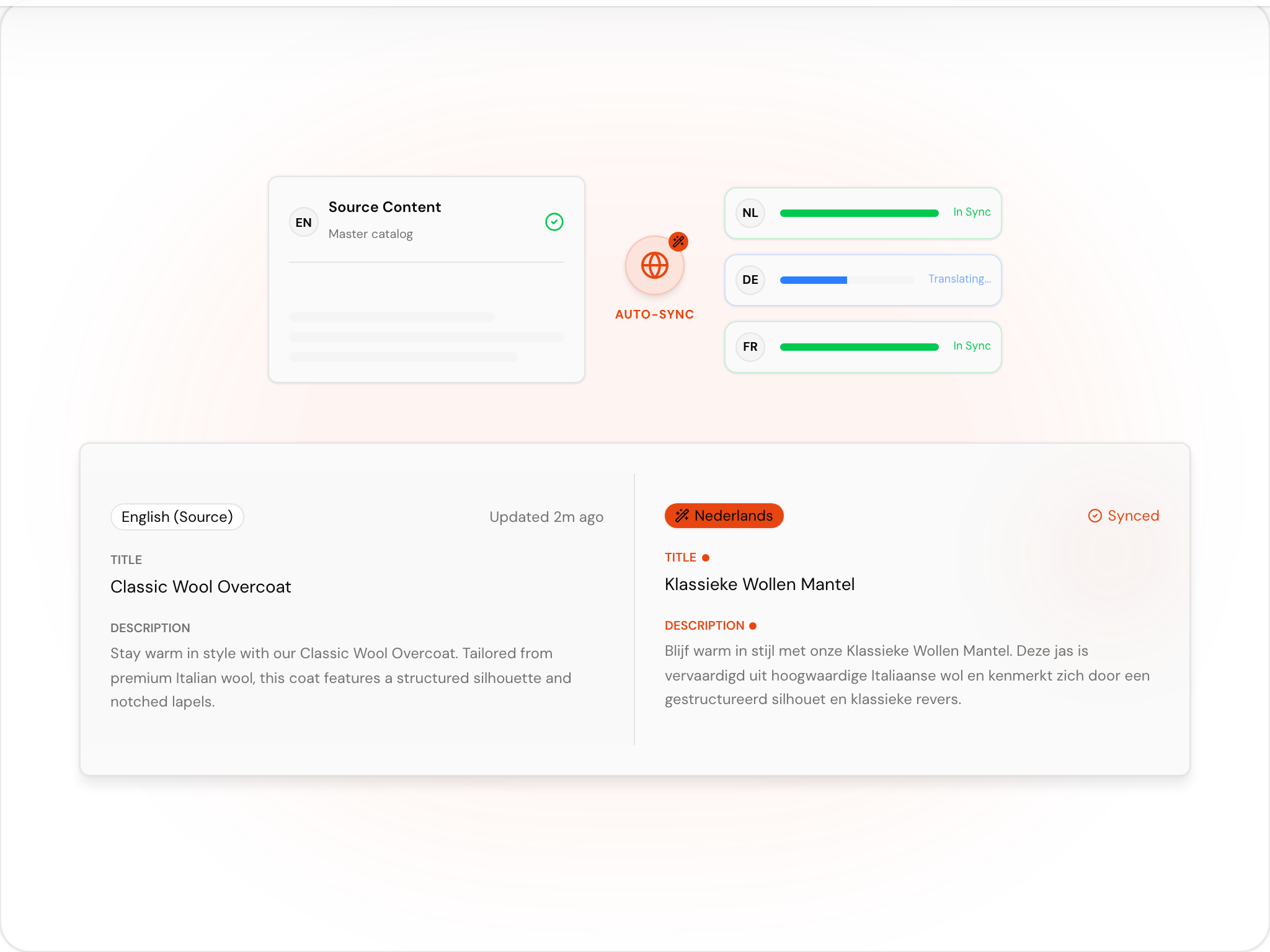
Localised content is a key success factor for expanding to new markets. Apply translation templates with specific input to assure accurate content and performance. Test and review, then apply in bulk.
- ✓Field-specific translations with interior & furniture vocabulary
- ✓Localization per market, not just per language
- ✓Bulk translation across entire collections
- ✓Full control to review and adjust everything
Publish to store
Sync to webstore using our direct API integrations. Gather results and explore suggestions of your AI-agent based on your sales, interaction and advertisement data.




Frequently Asked Questions
AI product photography, built in
The shoots in this use case come from the built-in AI studio. See how it works per category.
Ready to grow?
Setup in minutes or book a free demo with one of our experts.
- No credit card required
- Ready in 5 minutes
- Claim free credits
- Quick 15 min demo