

Ecommerce product photography, for your whole catalog
A folder of supplier images called IMG_8472.jpg is not a product page. Ecommerce product photography turns raw product data and reference shots into clean, on-brand photos and 3D for every product, generated inside the same system that manages your catalog. Automated Commerce does the work, you set the look.

Ecommerce product photography that runs at catalog scale
Generate consistent, on-brand imagery for every product, then publish it where you sell.
One standard across every supplier
Images arrive from a dozen suppliers, on a dozen backgrounds, at a dozen crops. Automated Commerce reads your visual brand identity once and applies it to every generation, so the catalog reads as one shoot instead of twelve.
Packshot, lifestyle, and 3D from one product
The same product needs a white-background shot for the marketplace feed, a lifestyle scene for the category page, and a 3D view for the detail page. Generate all three in the AI studio from the reference images you already have.
Run it across the whole SKU list
One product is a demo. Two thousand is the job. Build a workflow, or ask Auto Mate to build it, then run it over a product group, a collection, or everything you sell.
Approve once, it holds for the next batch
Nothing publishes until you say so. Send back what misses, keep what works, and the standard you set carries into the next supplier drop, so nobody re-argues backgrounds every quarter.
AI-Studio: Create or edit high-quality photography
Explore tools or configure product templates for bulk generation
- ✓Turn packshot or mannequin to professional on-model shoots
- ✓Change any color, replace model or upscale quality
- ✓Apply in-bulk: Create photoshoot for full collection in minutes
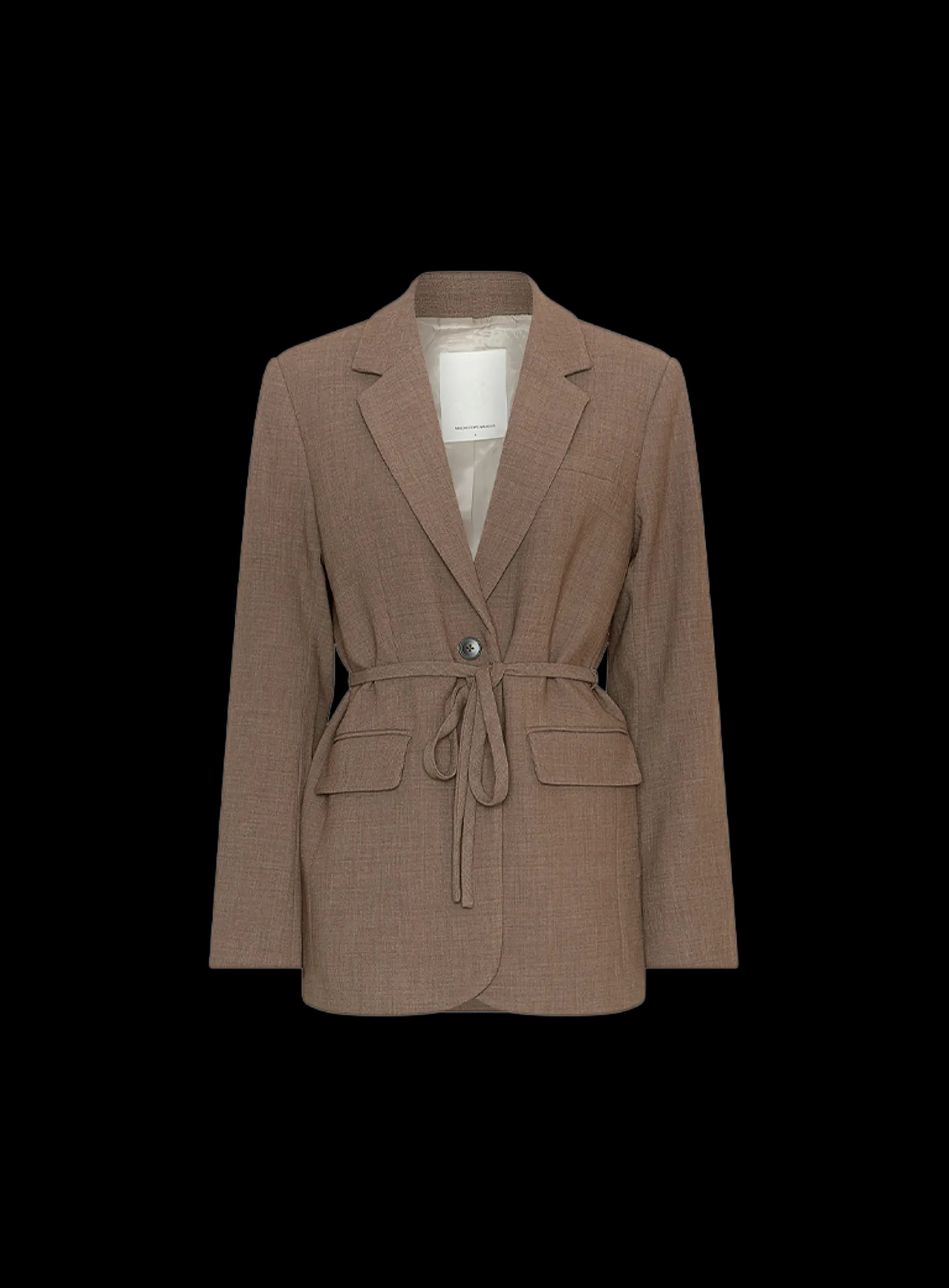
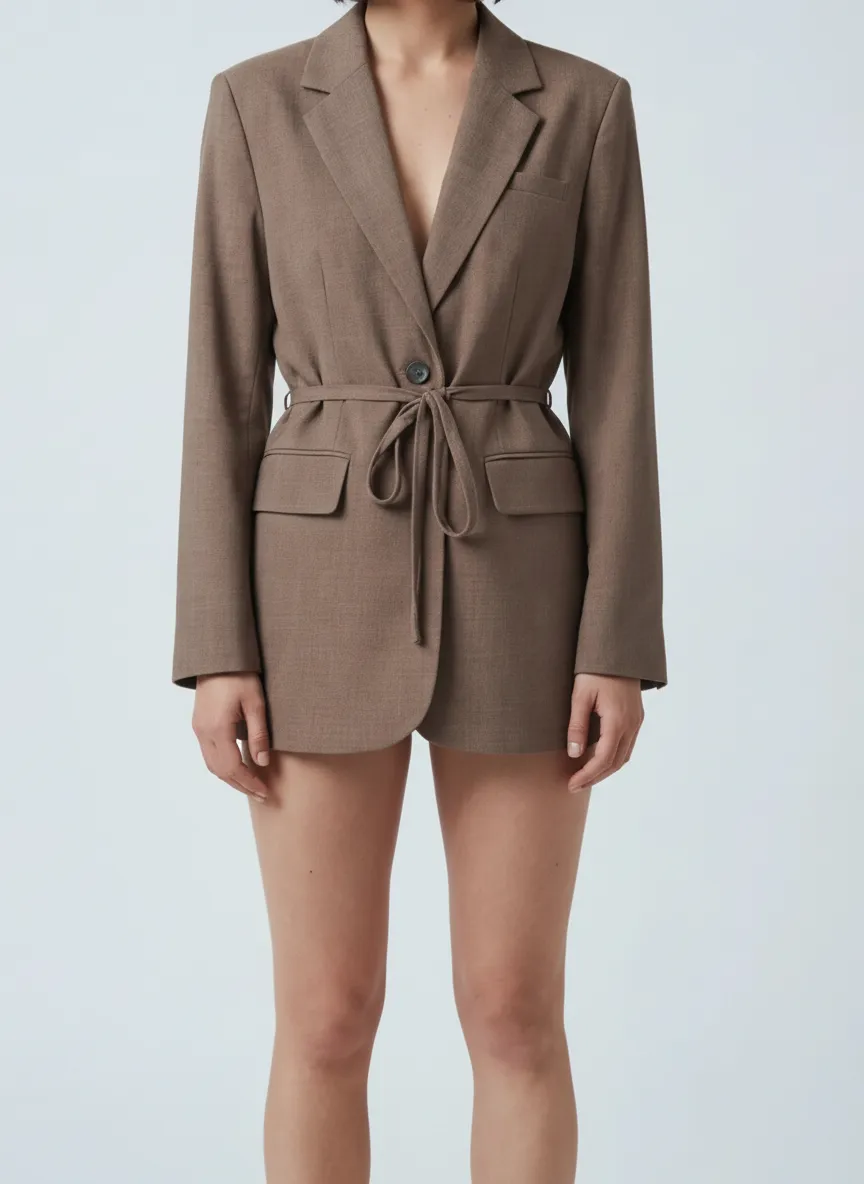
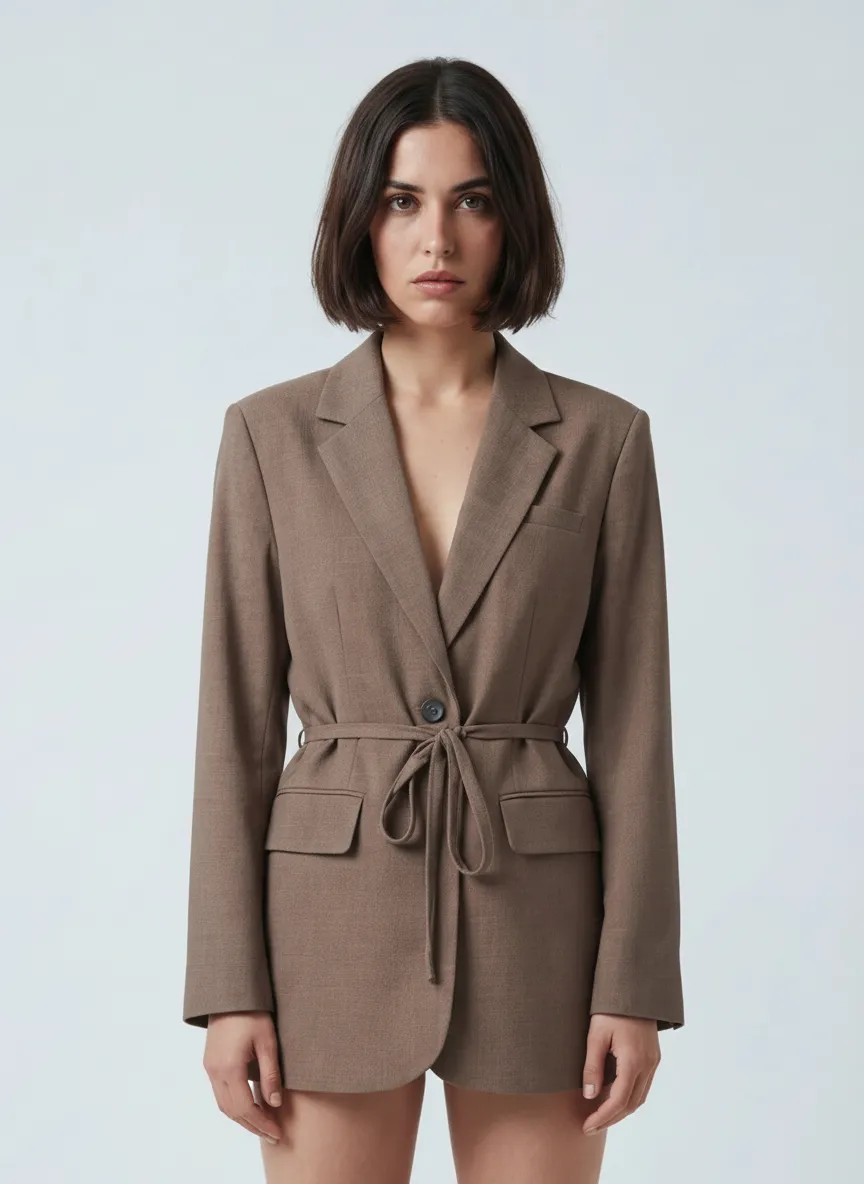
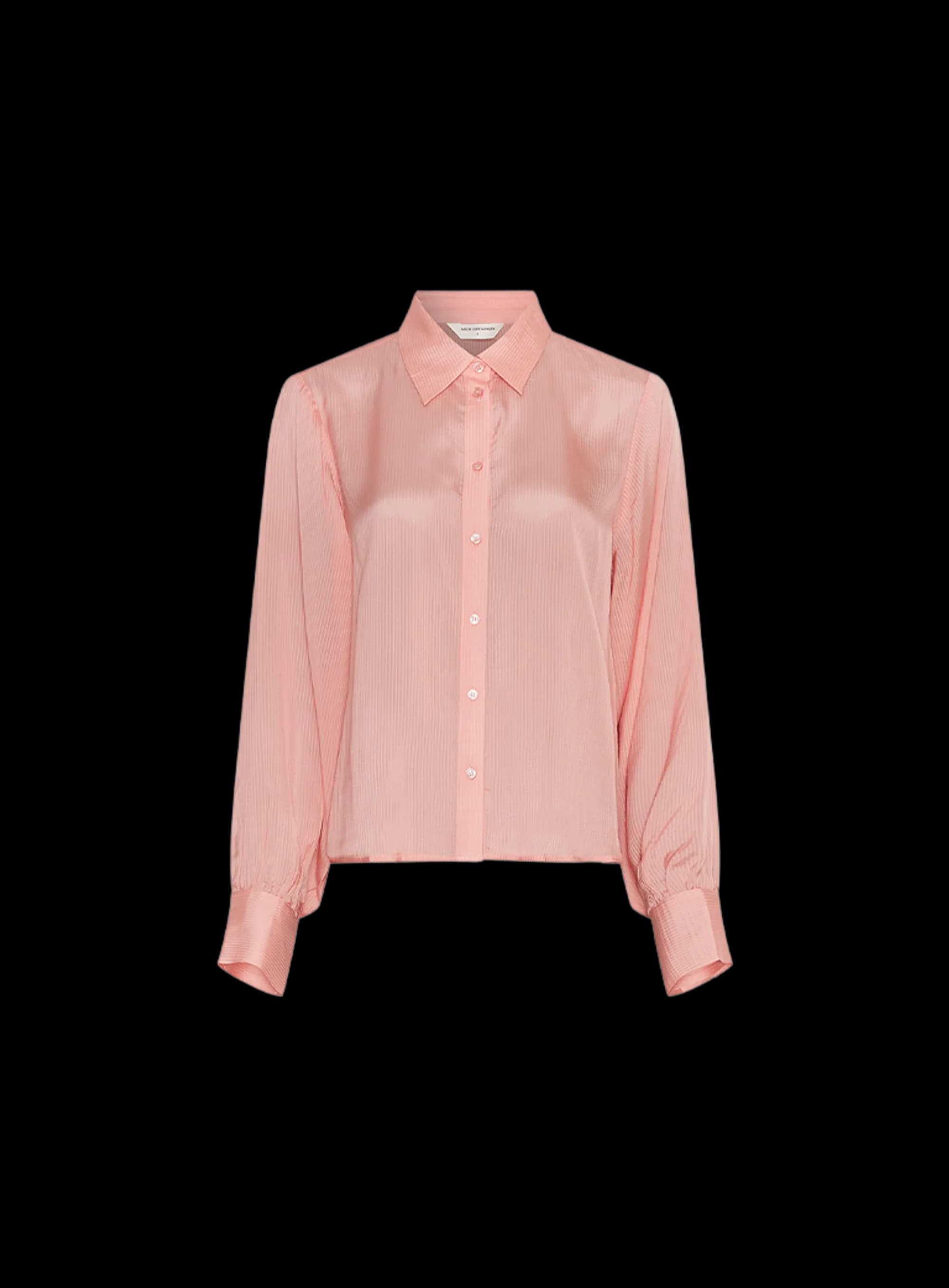
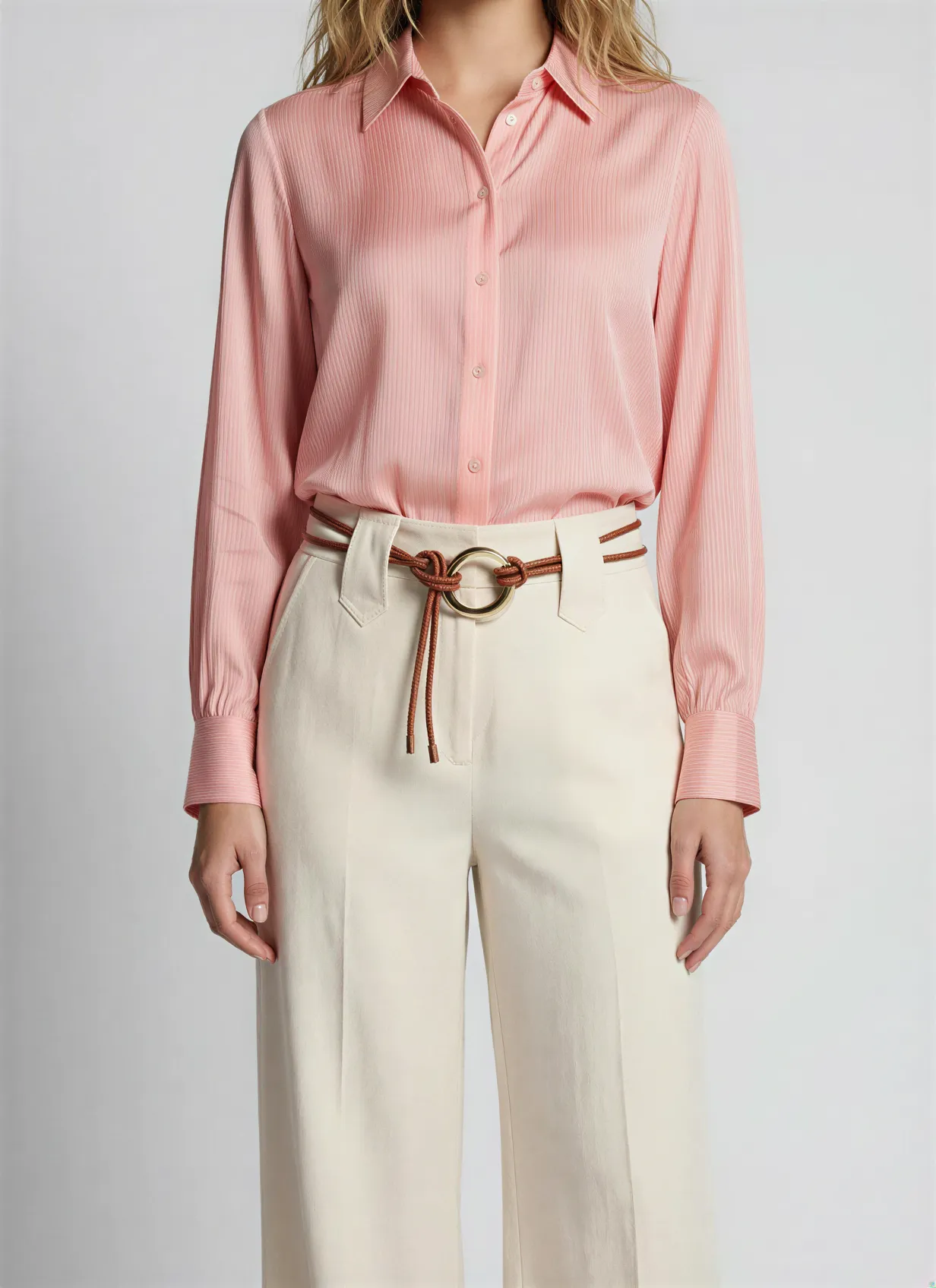
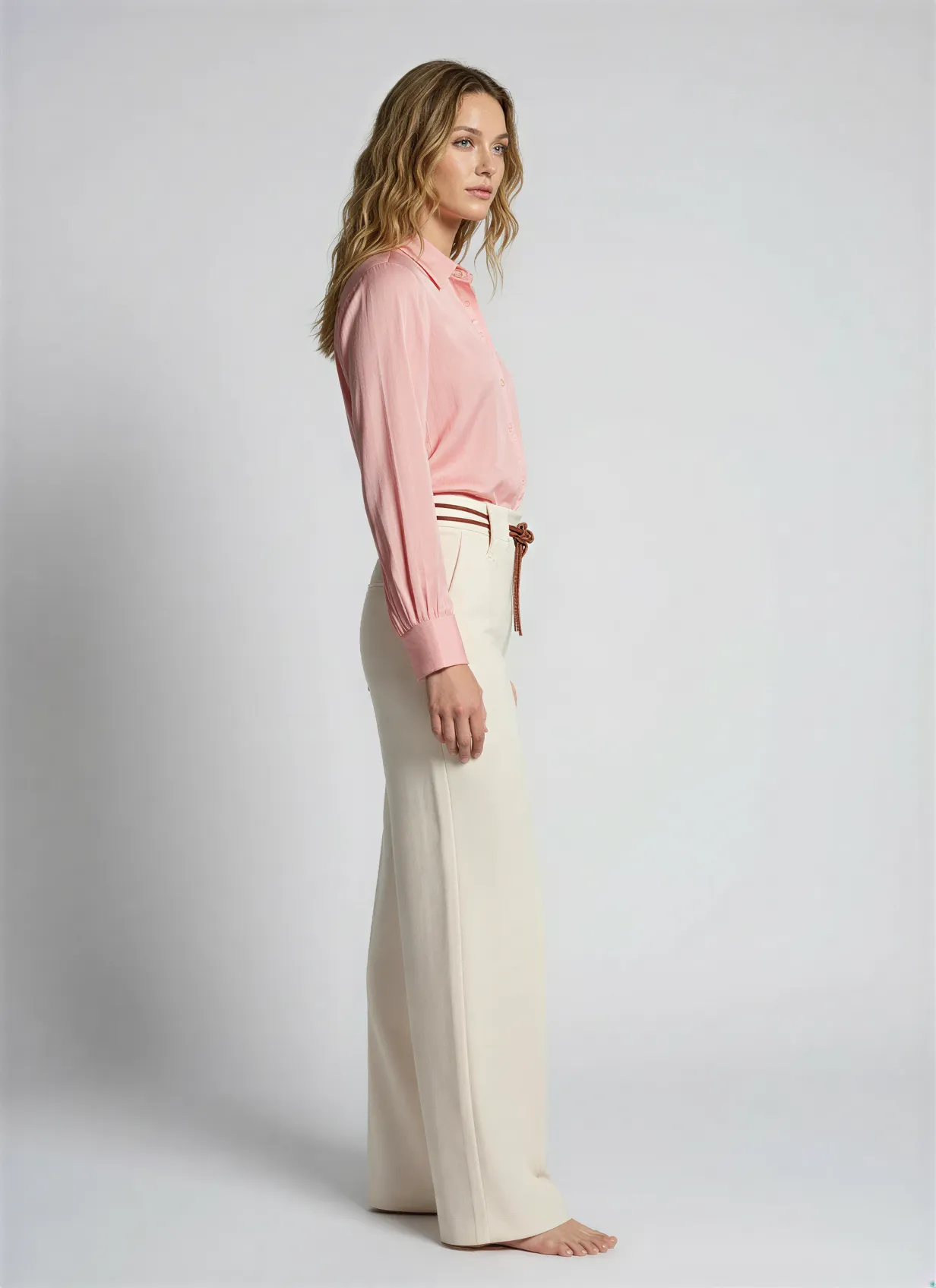
Perfect it on one product. Then apply it to a thousand.
Most catalog work dies in the repetition. Tune the recipe on a single product until the copy, the photography and the data are exactly how you want them. Then select a product group and run it. One click, the whole group, the same quality on every product.
- Fine-tune on one product. Set the angle, the scene, the tone of voice and the attributes until it is right.
- Select a group, a filter, or the entire catalog. Ten products or ten thousand, the work is the same click.
- Watch every product land. Follow the run product by product and pick up anything that needs a second look.
Armchairs & chairs · product group
100 selected Jouke swivel chair, sandQueued
 Dining chair oak, taupeQueued
 Bar stool bouclé, ochreQueued
 3-seat sofa velvet, blueQueued
+ 96 more in this group
Product photography questions
Part of one platform
Product photography is one part of the catalog Automated Commerce runs. Explore the rest.
AI photography studio
The full studio: generate, direct, and refine product photography across every vertical.
3D models
Turn products into interactive 3D and spin views from the same catalog.
Ghost mannequin photography
The invisible-mannequin look for apparel, generated from reference shots.
Furniture product photography
Room scenes and packshots for sofas, chairs, and cabinets, no set build.
Jewelry product photography
Detailed close-ups and on-model shots for rings, earrings, and more.
Fashion product photography
On-model, flat-lay, and editorial imagery for a whole apparel collection.
Pricing
See plans and start generating your catalog for free.
Photograph your whole catalog
Bring your products and watch Automated Commerce generate on-brand photography and 3D, ready for your store.
No studio. Catalog-scale.