

Fashion product photography, for your whole collection
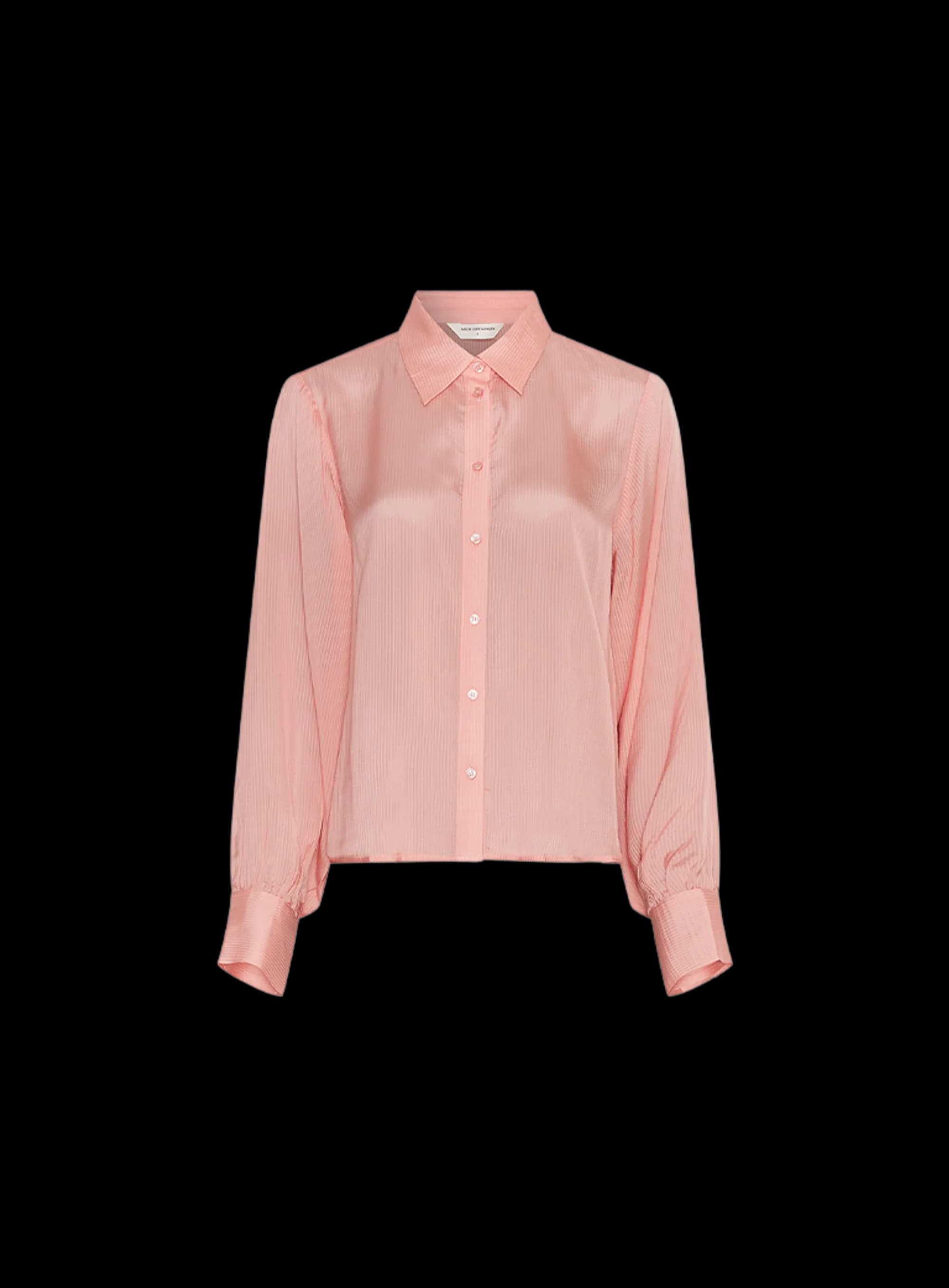
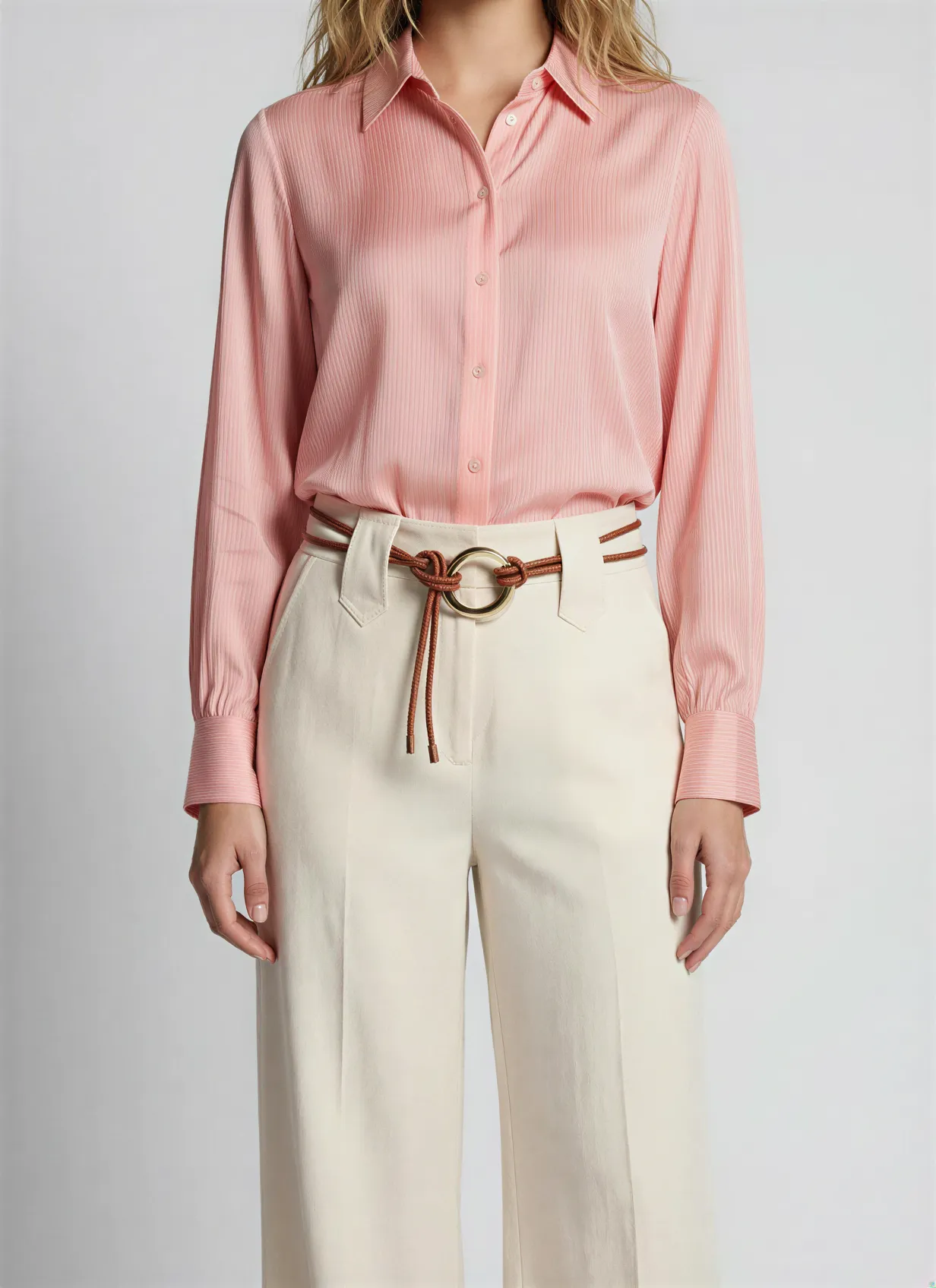
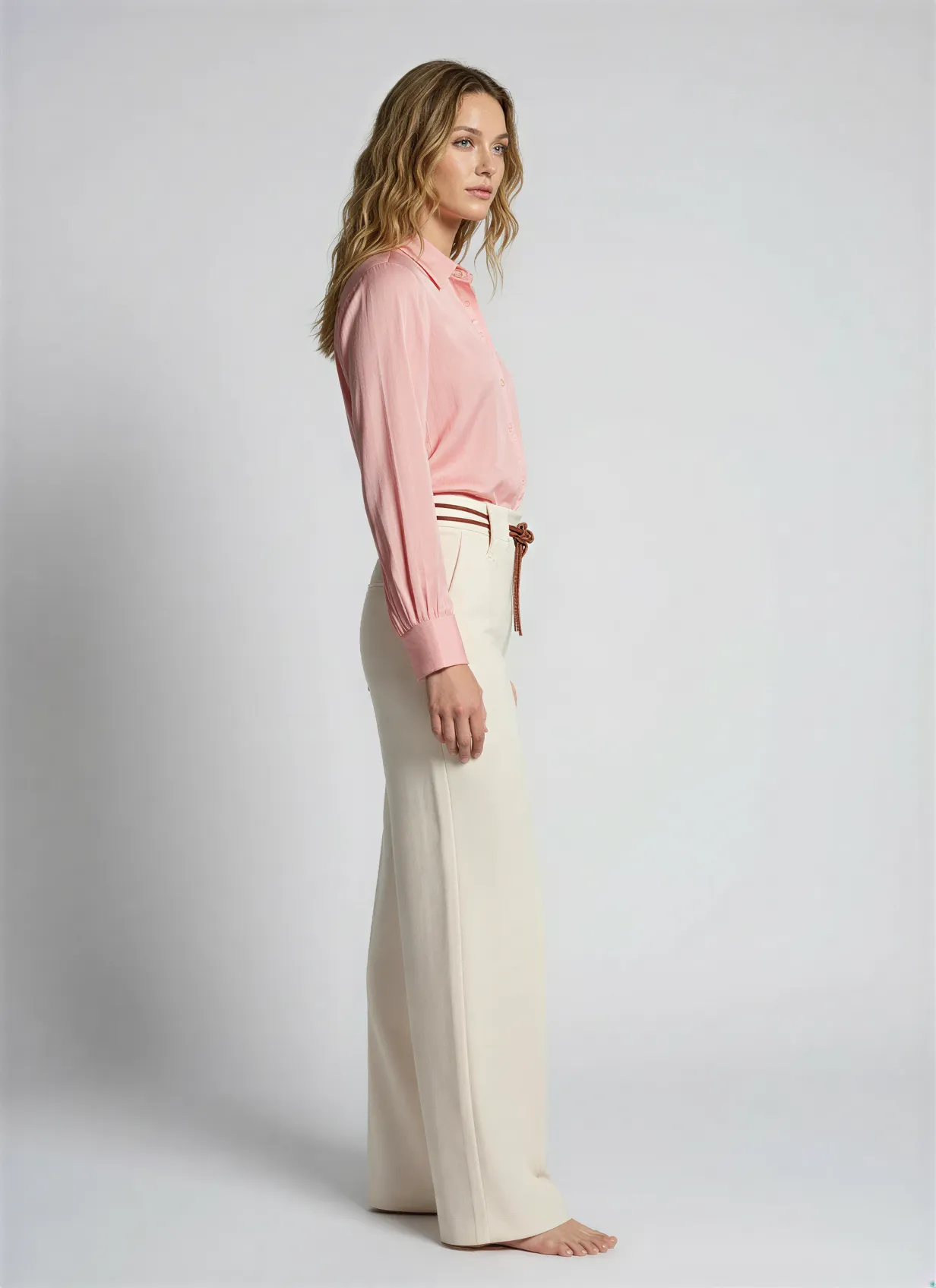
A clothing catalog lives or dies on its images. On-model, flat-lay, lookbook, every garment needs the same look across a whole drop, and a studio day per collection does not scale. Fashion product photography turns your reference shots and product data into consistent on-model, flat-lay, and editorial imagery for every style, generated in the same system that runs your catalog. Automated Commerce does the work, you set the look.
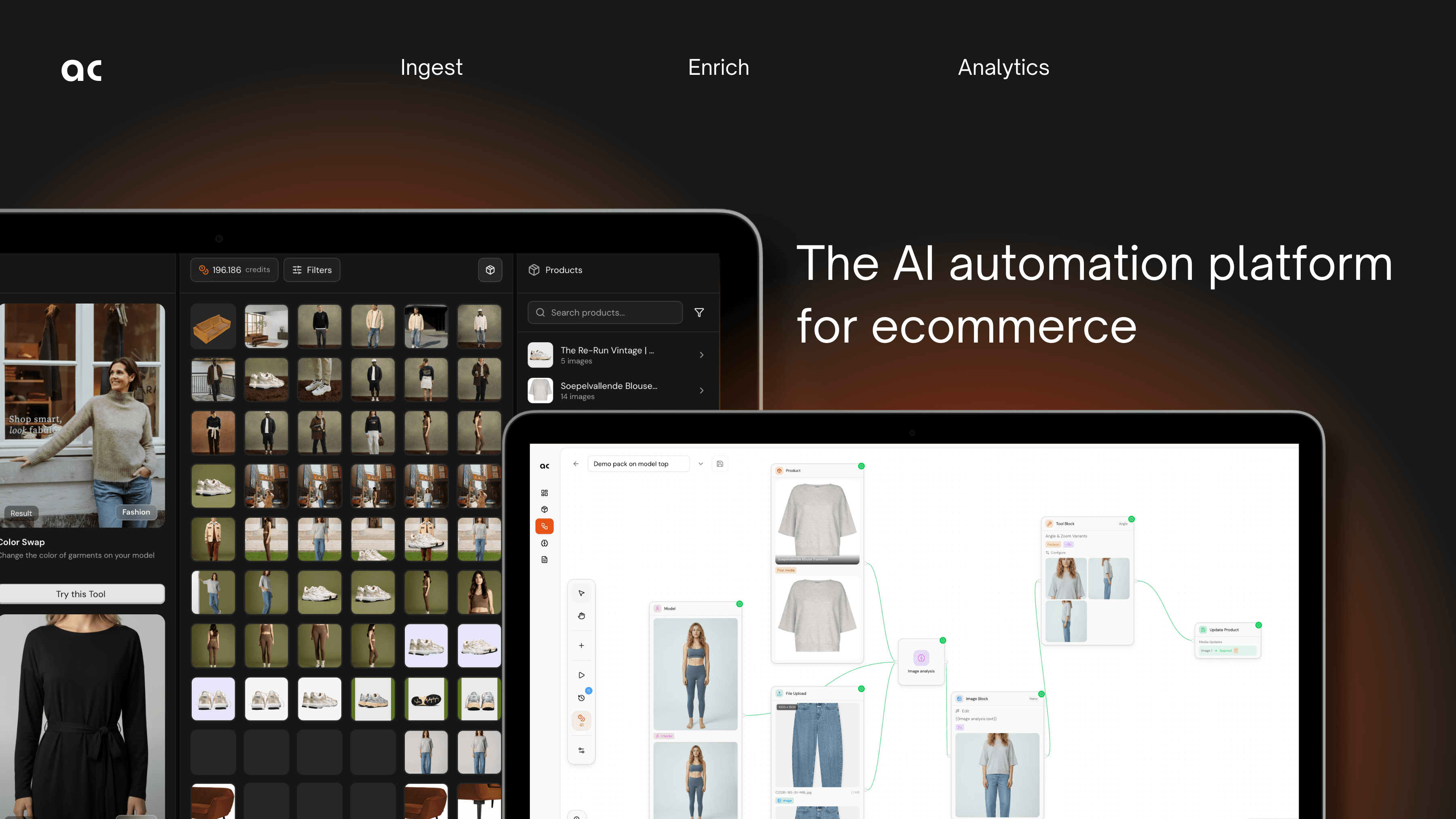
Fashion product photography at collection scale
Generate consistent, on-brand imagery for every style, then publish it where you sell.
Brand and styling, learned once
Automated Commerce analyses your brand identity and feeds it into every shot, so on-model, flat-lay, and editorial images share the same styling, lighting, and framing across the whole collection.
AI studio: on-model, flat-lay, ghost-mannequin
Generate every fashion shot type from one place: on-model looks with varied models and skin tones, clean flat-lays, and the invisible-mannequin effect, using the best available image models.
Workflows for a whole drop
Set the look up once and apply it across a seasonal collection. Build a workflow or ask Auto Mate to build one, then run it over products, product groups, or collections.
Refine & iterate
Review the output, regenerate the variations you want, and lock the winners. The look you approve stays consistent across every style in the range.
AI-Studio: Create or edit high-quality photography
Explore tools or configure product templates for bulk generation
- ✓Turn packshot or mannequin to professional on-model shoots
- ✓Change any color, replace model or upscale quality
- ✓Apply in-bulk: Create photoshoot for full collection in minutes
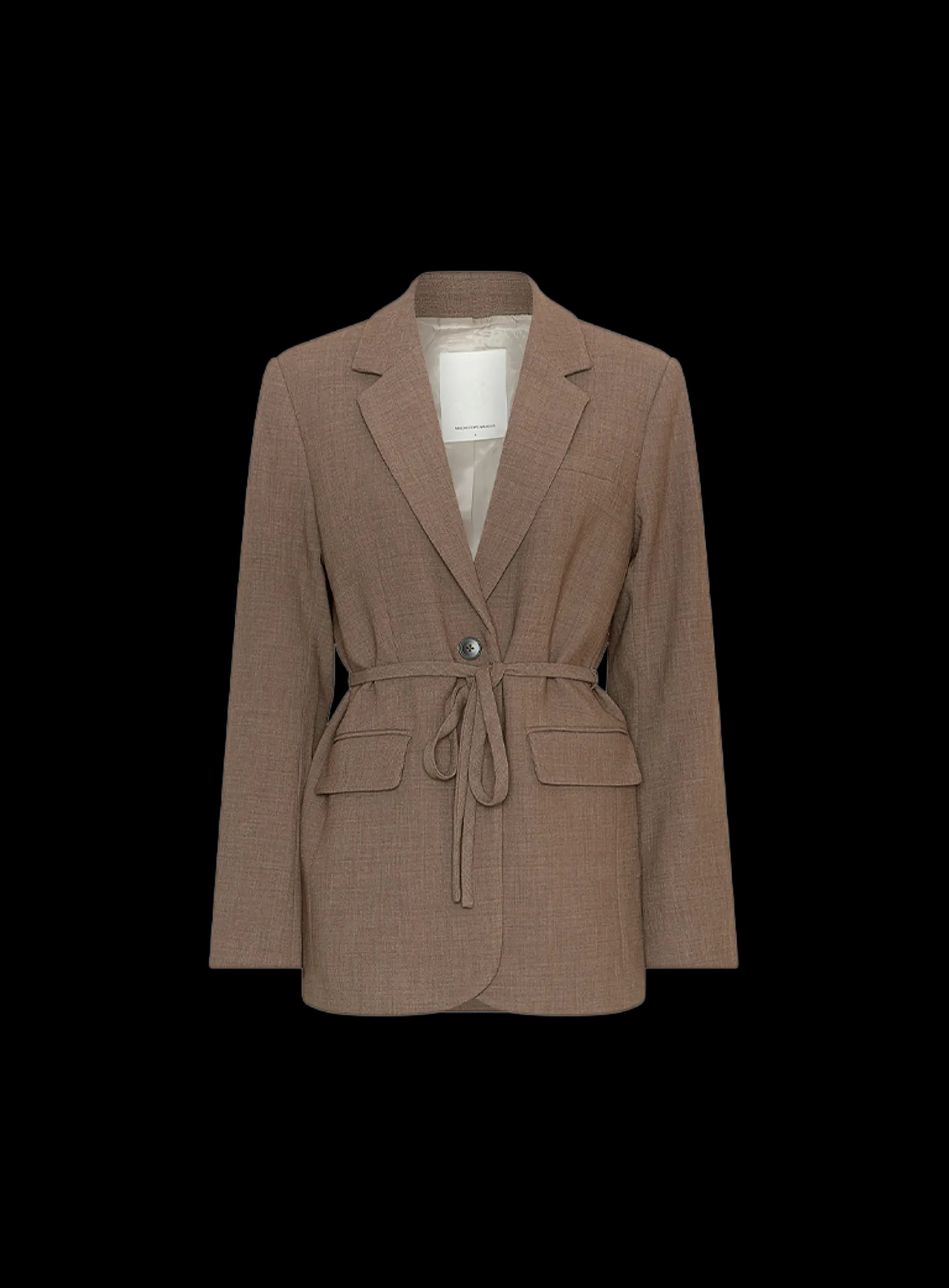
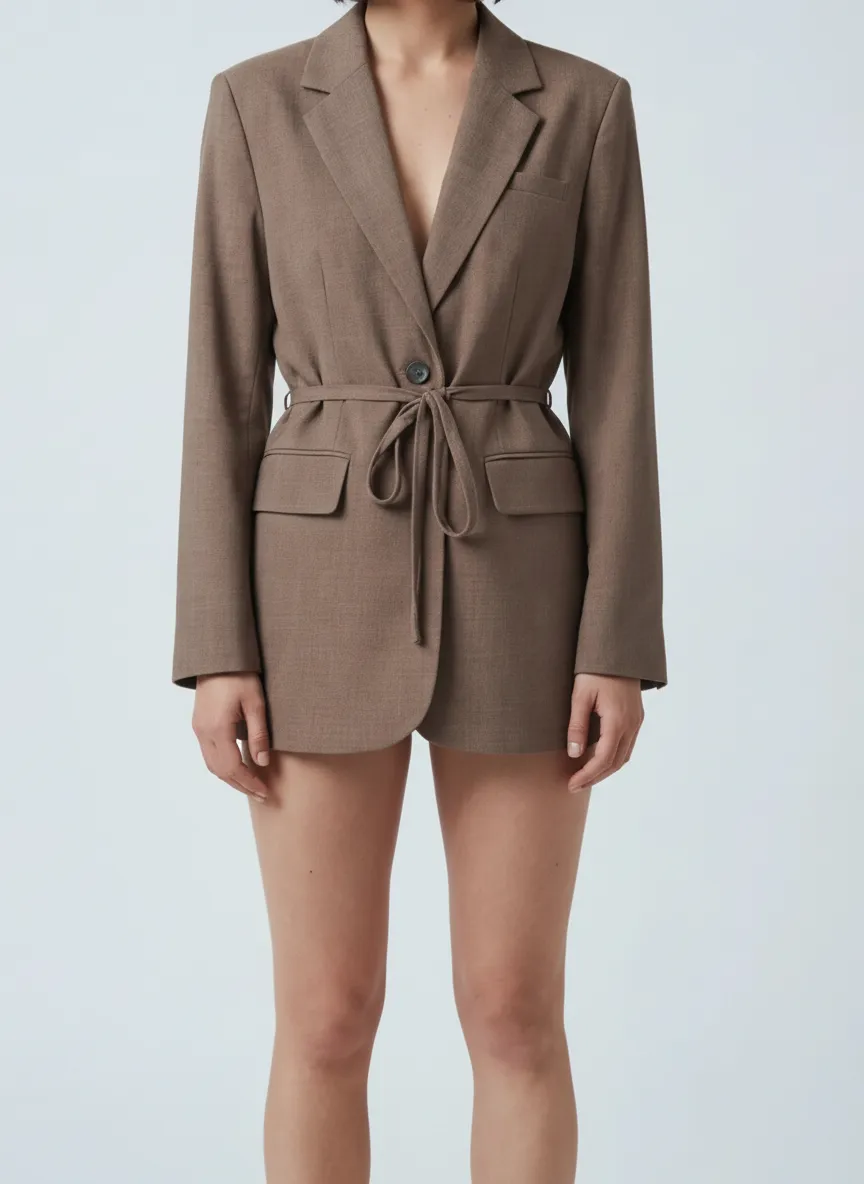
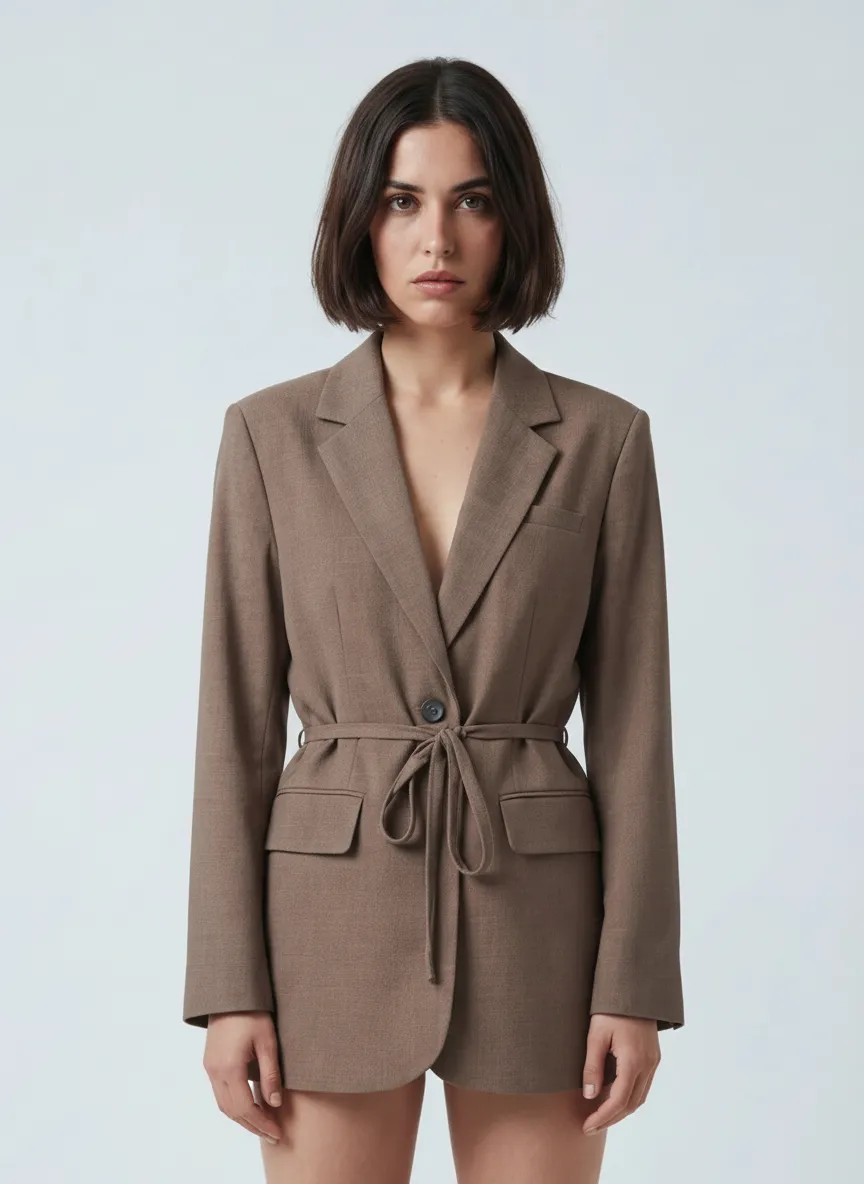
Perfect it on one product. Then apply it to a thousand.
Most catalog work dies in the repetition. Tune the recipe on a single product until the copy, the photography and the data are exactly how you want them. Then select a product group and run it. One click, the whole group, the same quality on every product.
- Fine-tune on one product. Set the angle, the scene, the tone of voice and the attributes until it is right.
- Select a group, a filter, or the entire catalog. Ten products or ten thousand, the work is the same click.
- Watch every product land. Follow the run product by product and pick up anything that needs a second look.
Armchairs & chairs · product group
100 selected Jouke swivel chair, sandQueued
 Dining chair oak, taupeQueued
 Bar stool bouclé, ochreQueued
 3-seat sofa velvet, blueQueued
+ 96 more in this group
Fashion photography questions
Part of one platform
Fashion photography is one part of the catalog Automated Commerce runs. Explore the rest.
Ghost mannequin photography
The invisible-mannequin look for apparel, generated from reference shots.
Ecommerce product photography
Generate packshots, lifestyle scenes, and 3D for your whole catalog.
AI photography studio
The full studio: generate, direct, and refine product photography across every vertical.
3D models
Turn products into interactive 3D and spin views from the same catalog.
Pricing
See plans and start generating your catalog for free.
Photograph your whole collection
Bring your apparel references and watch Automated Commerce generate on-model, flat-lay, and editorial imagery, ready for your store.
No studio day. Collection-scale.