

Ghost mannequin photography, without the mannequin day
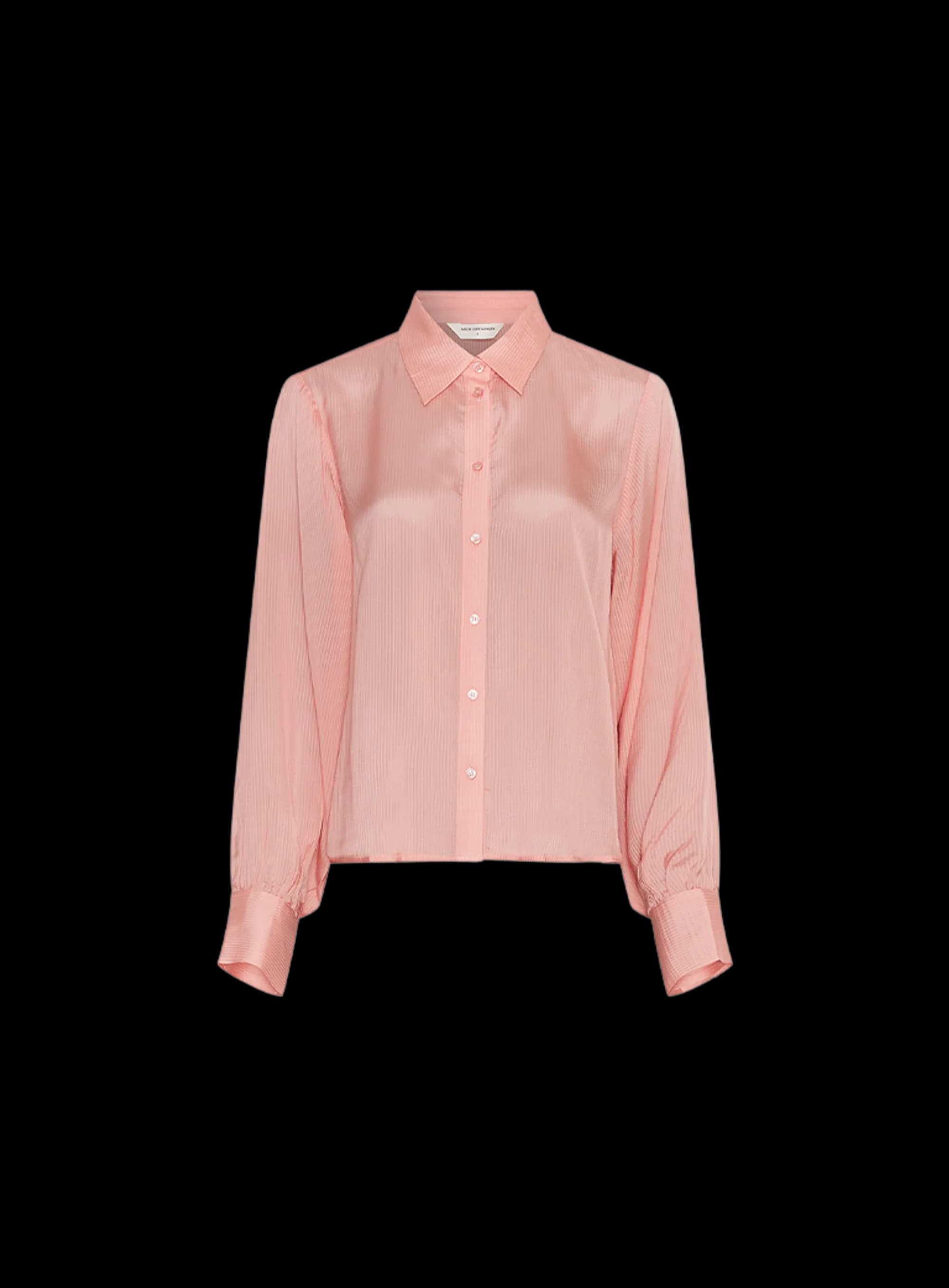
Apparel pages need to show the shape of a garment, not a model. Shooting on mannequins and retouching the hollow-man effect by hand is a studio day per drop. Automated Commerce generates ghost mannequin photography from your reference shots, consistent across the whole catalog, and you direct the look.
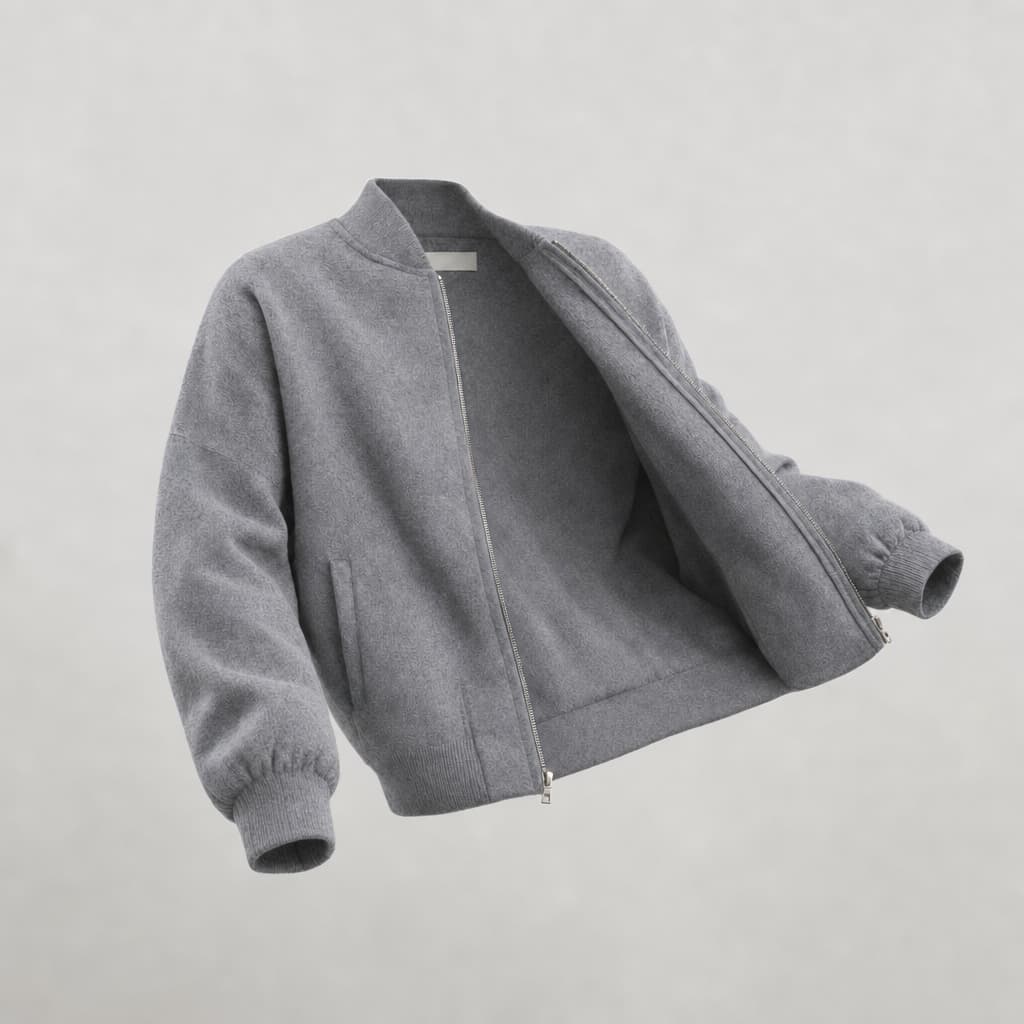
Ghost mannequin photography, the apparel standard at catalog scale
Clean, consistent invisible-mannequin shots for every garment, published where you sell.
The garment stays the garment
Every image starts from your own flat-lay or on-mannequin shot, so the seams, the label, and the zip pull are the ones you actually ship. Your background, crop, and fit rules ride along on each generation.
Where the hollow-man effect breaks
Inside the collar, the back neck, the hem where the garment folds in on itself. That is where a retoucher spends the hour. Generate front, back, and interior views in the AI studio and keep them consistent piece to piece.
A whole drop, not one file at a time
Most invisible-mannequin tools edit a single image. Build a workflow once and apply it to a product group or an entire drop, so the shots are ready before the launch date instead of trickling back from a retoucher.
A category grid that lines up
Scan the batch, send back the ones where the neckline or the crop drifts, and approve the rest. Garments end up the same size in frame, so the category page reads as a grid instead of a scrapbook.
AI-Studio: Create or edit high-quality photography
Explore tools or configure product templates for bulk generation
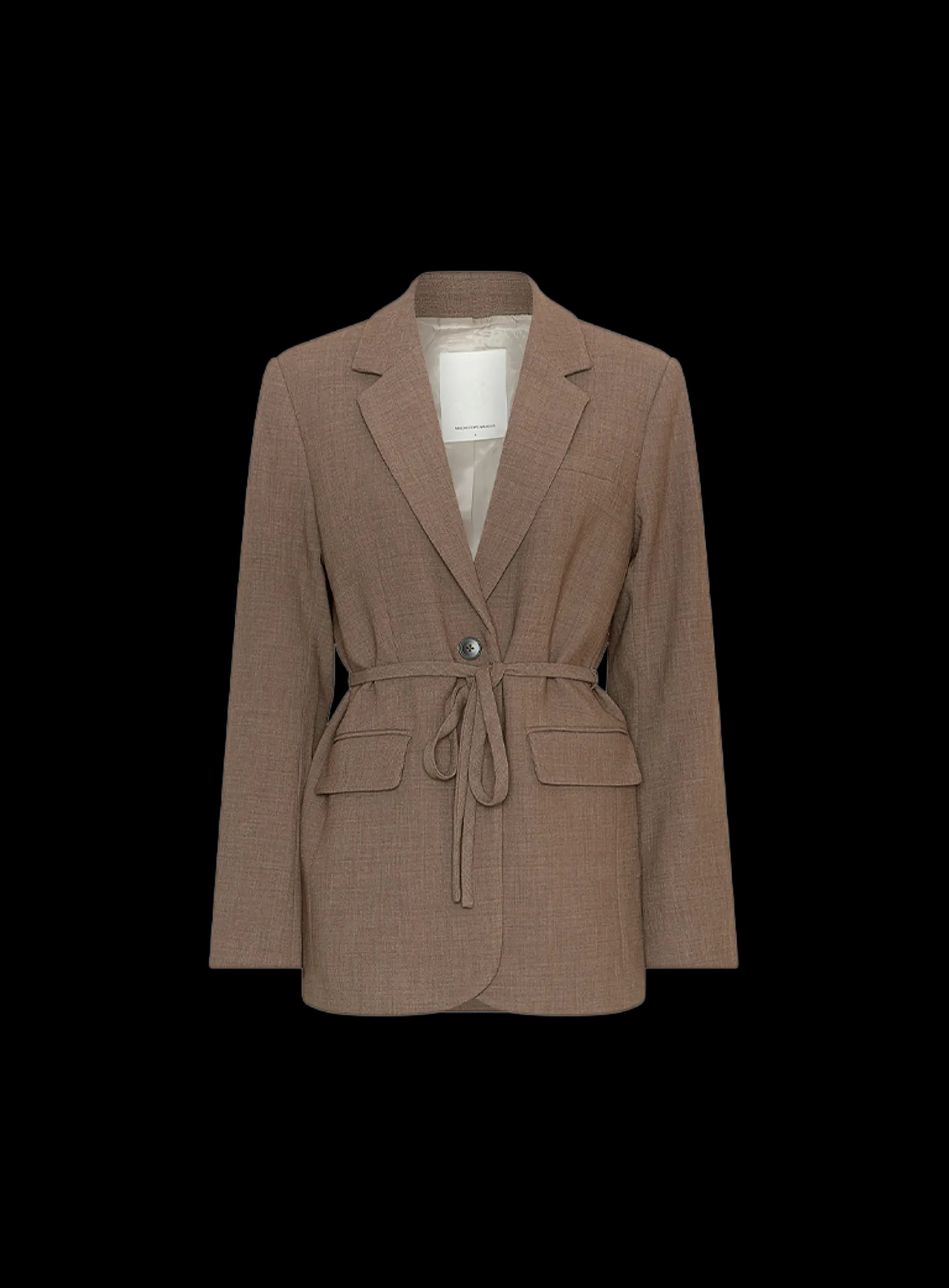
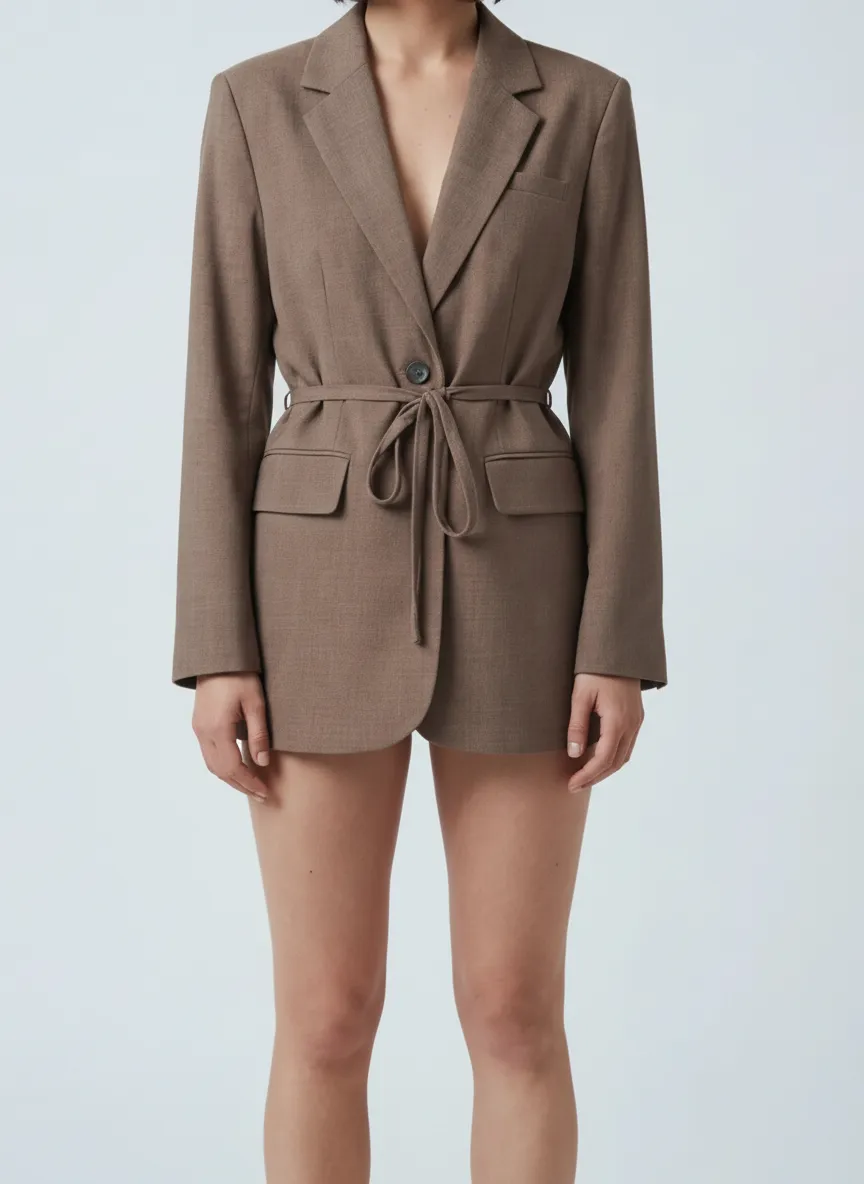
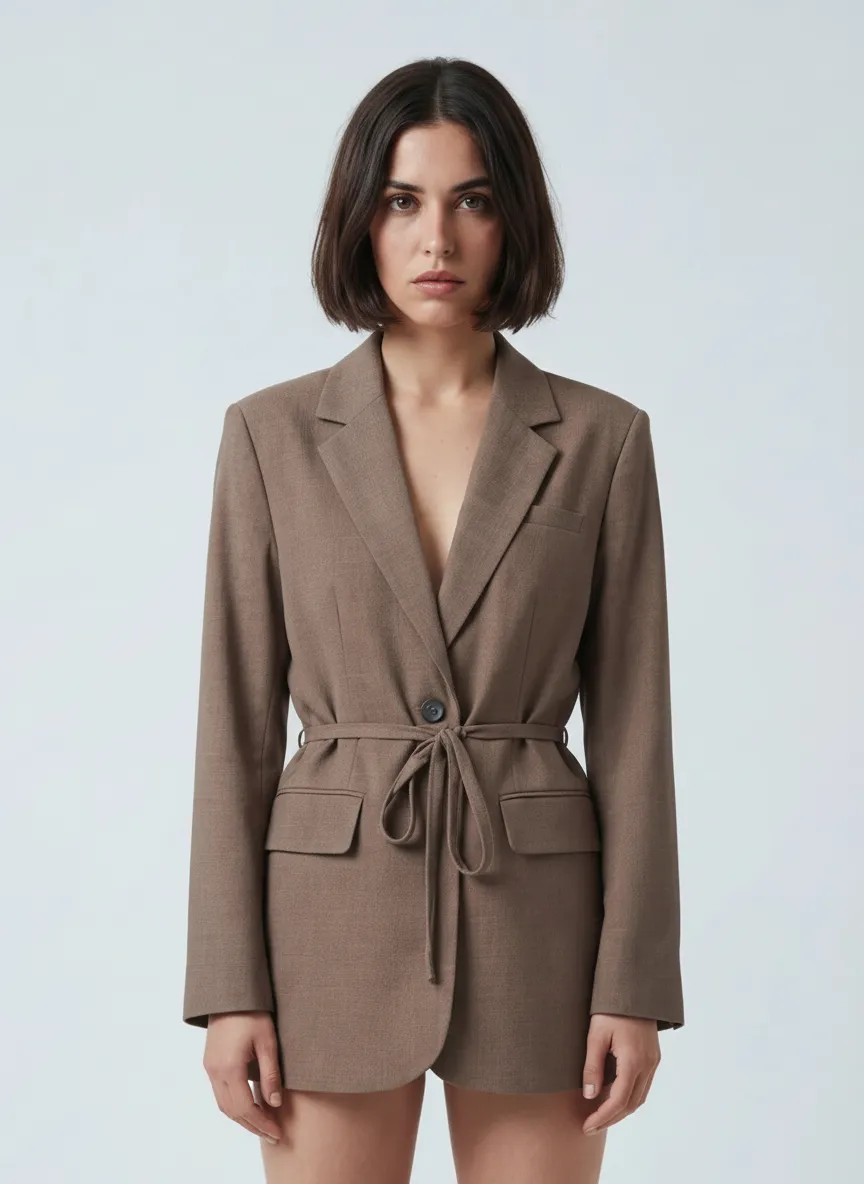
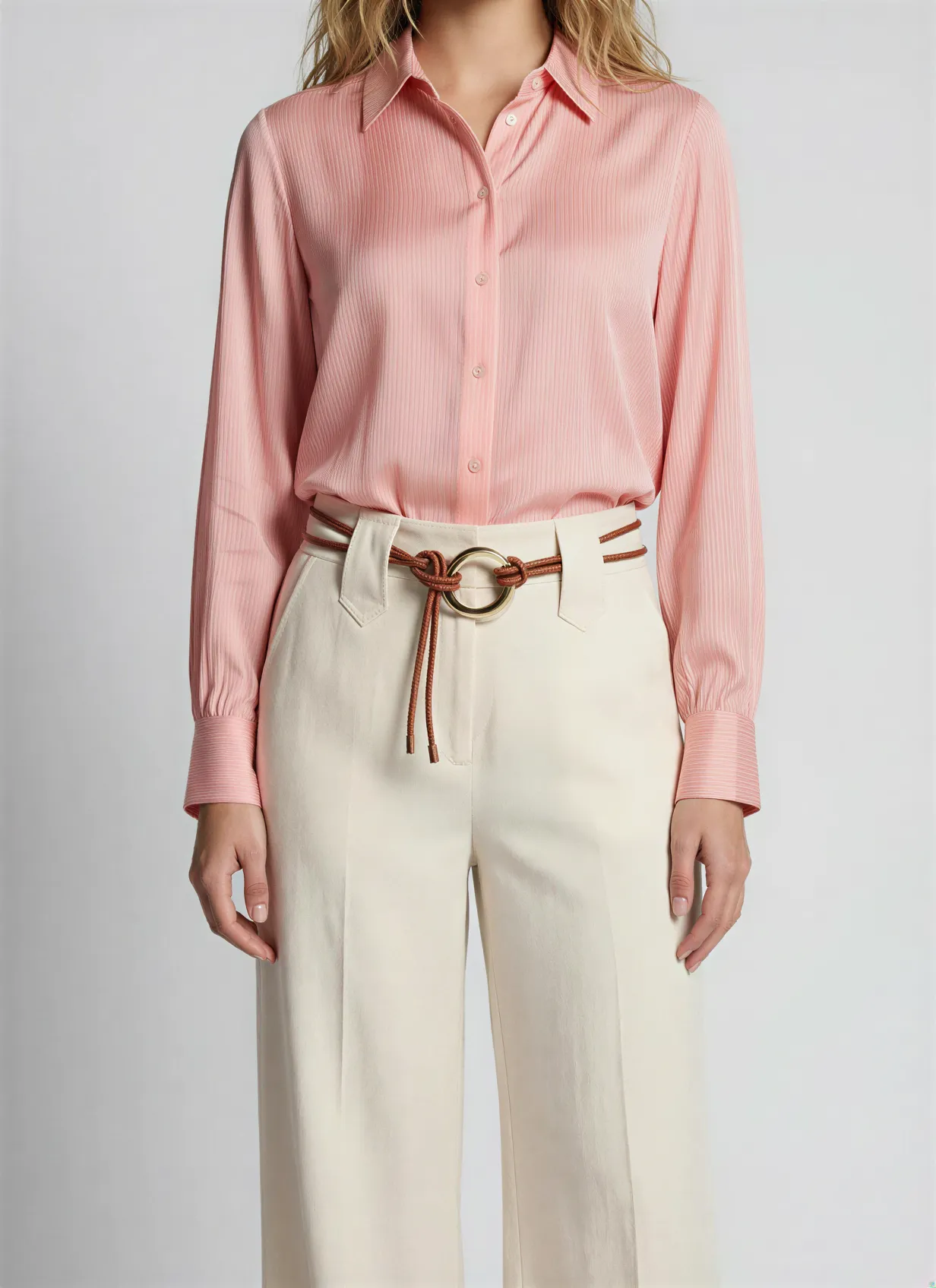
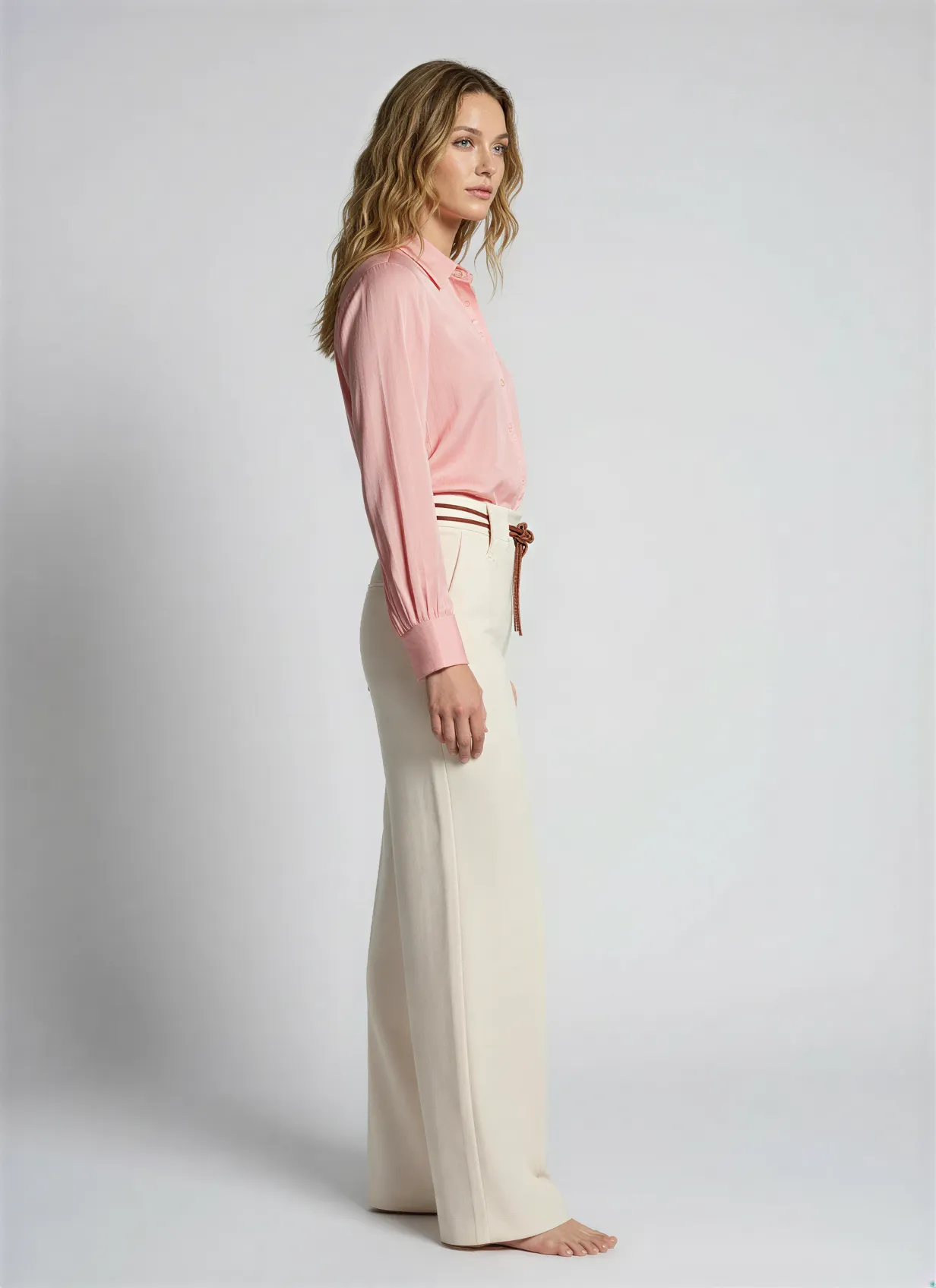
- ✓Turn packshot or mannequin to professional on-model shoots
- ✓Change any color, replace model or upscale quality
- ✓Apply in-bulk: Create photoshoot for full collection in minutes
Perfect it on one product. Then apply it to a thousand.
Most catalog work dies in the repetition. Tune the recipe on a single product until the copy, the photography and the data are exactly how you want them. Then select a product group and run it. One click, the whole group, the same quality on every product.
- Fine-tune on one product. Set the angle, the scene, the tone of voice and the attributes until it is right.
- Select a group, a filter, or the entire catalog. Ten products or ten thousand, the work is the same click.
- Watch every product land. Follow the run product by product and pick up anything that needs a second look.
Armchairs & chairs · product group
100 selected Jouke swivel chair, sandQueued
 Dining chair oak, taupeQueued
 Bar stool bouclé, ochreQueued
 3-seat sofa velvet, blueQueued
+ 96 more in this group
Ghost mannequin photography questions
Part of one platform
Ghost mannequin is one apparel technique. Explore the rest of the studio and platform.
Ecommerce product photography
Generate packshots, lifestyle scenes, and 3D for your whole catalog.
AI photography studio
The full studio: generate, direct, and refine across every vertical.
3D models
Turn products into interactive 3D and spin views from the same catalog.
Fashion brands
How apparel brands run their catalog and content with Automated Commerce.
Jewelry product photography
Detailed close-ups and on-model shots for rings, earrings, and more.
Fashion product photography
On-model, flat-lay, and editorial imagery for a whole apparel collection.
Pricing
See plans and start generating your catalog for free.
Generate ghost mannequin shots for your whole catalog
Bring your apparel references and watch Automated Commerce produce the invisible-mannequin look, ready for your store.
No studio day. Catalog-scale.